

 Spain
Spain Mexico
 Brazil
 Poland
 Taiwan
 Philippines
 South Korea
COCA / Card review
Wallet-linked debit card
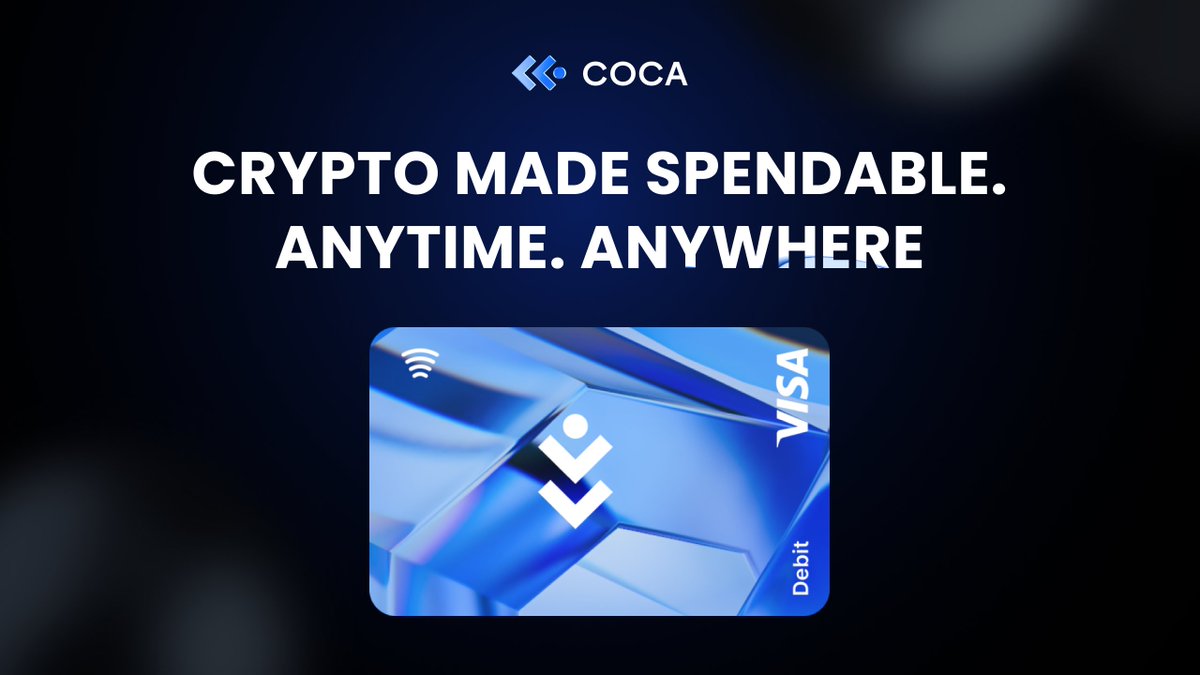
COCA Card
Spend stablecoins and earn 1% with Starter.
Before you apply
Selected tier / planStarterCOCA Card
Select where you live, not your travel destination.
Choose your residence first
Important to check
- Up to 8% requires COCA staking tiers.
- Compare accrued rewards with the amount you can actually claim.
Regional availability is not individual approval. Figures refer to the selected card/plan; check tier, identity-document and delivery conditions.
Documents & application →Features & benefits
Earn Starter cashback without staking COCA, using a unified spending account.
- Rewards · first band
- Starter 1%
- Spending preferences
- Spend your balance
- Custody model
- Wallet-based
Read the conditions behind the figures · Fees & benefit conditions ↓
A good fit if
- For modest daily spending with 1% cashback and no token stake required at Starter.
The tradeoff
- Claims share a $15 monthly cap, wait 14 days, and require manual action; funding becomes a USD/EUR account balance.
- Virtual card
- Listed · check region and plan
- Physical card
- Listed · check region and plan
- Apple Pay
- Listed · check region and plan
- Google Pay
- Listed · check region and plan
How the card works
- Starter has a shared $15 monthly loyalty-claim cap.
- Rewards wait 14 days, require manual claims, and expire 12 months after becoming claimable.
Fees & benefit conditions
- Card issuance fee
- Virtual $0 / Starter physical $5
- Maintenance / subscription
- Starter annual fee $0
- Foreign-currency fee
- Direct pairs 0%; indirect pairs 0.5–1.5%
Read the conditions behind the figures
- Starter shares a $15 monthly reward-claim cap.
- Claims open after 14 days and expire 12 months later.
- The advertised 0% FX applies to direct pairs, not every payment.
Figures refer to the selected card and plan. Do not combine them with benefits of another pictured or listed tier.
Items to verify and where to check · 1
- Foreign-currency feeAmount not stated in reviewed official sourcesThe reviewed official fee table specifies 0% direct and 0.5–1.5% indirect pairs, without enumerating pairs.
Fields reviewed · 2026-09-09
Documents & application
Documents to prepare
- Valid government ID and address proof.
- The €50 physical-card top-up covers issuance/delivery; the remainder is spendable.
- No initial top-up for virtual.
Steps on the official site or app
- Open Banking → Add Products in COCA.
- Select your actual country of residence.
- Complete identity and address verification.
- Use the approved virtual card; for physical, top up €50 equivalent, then Activate card after delivery.
The official site opens in a new tab. Select the product and tier shown above. Identity checks and the final application take place with the provider.
Full details & support
Full details
Practical payment facts
Narrow by supported features · brand guidance, subject to regional and tier conditions.
- Funding / spending assets
- USDT · USDC · EURC
- Supported networks
- Official confirmation needed
- Balance / billing currency
- USD / EUR
- Conversion timing
- Depends on region or payment mode
- Virtual card
- Listed · check region and plan
- Physical card
- Listed · check region and plan
- Apple Pay
- Listed · check region and plan
- Google Pay
- Listed · check region and plan
- Recurring payments
- Listed · check region and plan
Refunds & support
- Cancellations, refunds and support
- The merchant initiates the refund and COCA credits the account after processing. First establish whether this is a pending authorization or a refund of a completed purchase; confirm the merchant’s processing and the actual COCA balance credit separately.
- How long does it take?
- The guide says a few business days, with no fixed maximum or separate authorization-release deadline published. If the merchant confirms processing but no credit appears, ask COCA support to trace it using the refund reference.
- Where is it returned?
- The official guide promises an automatic COCA account credit but does not name the refund fiat currency or token. Ask support which USD/EUR account or asset balance will receive it, then reconcile the posted credit.
- Cancellation and subscriptions
- Temporarily freeze via Banking → select card → Freeze Card; ask support about permanent card closure. Cancel merchant subscriptions separately. Account-data deletion is a separate process requiring banking and crypto balances to be cleared first.
- Declined or unfamiliar transactions
- Check spendable balance, card freeze status, limits and SMS 3D Secure for online purchases. If it still fails, send COCA support the error, merchant, time and amount; ask whether any reserved amount is pending or settled.
- What to prepare for support
- Submit a ticket at help.coca.xyz or contact support@coca.xyz. Include the refund reference, original transaction details and merchant correspondence so support can investigate a missing credit.
Official information · help.coca.xyz ↗
Official information · help.coca.xyz ↗
Official information · www.coca.xyz ↗
Official information · help.coca.xyz ↗
Brand and custody
- Card issuer / operator
- Official confirmation needed
- Custody of funded balances
- Self-controlled COCA 3.0 account balance; regional card services use licensed partners
COCA 3.0 uses a self-controlled USD/EUR spending balance. Match the deposit asset and chain shown in the app; block a lost card in the app.
An alternative to compare
Choose Bleap for automatic USDC cashback after settlement without manual reward claims.
Check regional termsOfficial documentation & sources
Official sources
COCA — Card overview ↗
COCA — Comparison with Ready ↗
COCA vs Crypto.com: Which Crypto Card is Better? ↗
COCA Banking Account Overview ↗
How do I order a COCA card? ↗
COCA – Turn Your Spending Into Rewards ↗
Official information · COCA Card ↗
Catalog dated 7 Sep 2026 · supplemental facts checked 8 Sep 2026