Spain
Spain Mexico
 Brazil
 Poland
 Taiwan
 Philippines
 South Korea

The essentials
- Confirm support for your particular card
- Add and verify through the official wallet
- Test payment before depending on the phone
Confirm support for your particular card
For a hypothetical Porto Alegre commuter, having NFC on an Android phone does not by itself enable a crypto card in Google Wallet. Google requires an explicitly supported card and issuer. Apple likewise requires a compatible device, supported card and device authentication. Check those conditions before relying on the phone for a journey.
KAST and RedotPay publish phone-wallet setup guidance, but a general guide does not guarantee enrollment for every card program or account. Read the exact card’s current in-app options and complete any required approval. Your Brazilian location, the card’s issuing program and the device configuration are distinct questions to verify.
- Confirm device security and card eligibility.
- Complete the issuer’s verification yourself.
- Test one ordinary contactless purchase.
Add and verify through the official wallet
On iPhone, open Wallet, use the add-card control and select the debit or credit card option. Follow the displayed steps with the card details from the provider app. If verification is requested, complete the issuer’s legitimate flow; do not send the card number, CVV or one-time code to a stranger offering setup help.
On Android, RedotPay’s guide uses Google Wallet’s Add to Wallet, then Payment card and manual card details. Follow the current prompts and confirm that the card is ready for contactless use. A card saved for online payments is not necessarily fully configured for tapping a terminal, so read any remaining setup message.

Test payment before depending on the phone
Try a modest purchase at an ordinary shop that confirms contactless card acceptance, with another payment method available. A successful café payment does not prove that a bus gate, parking terminal or offline machine will accept the same wallet. Keep the receipt and check which card was actually selected and charged.
If enrollment fails, record the exact wallet message and contact the issuer through official support. Do not repeatedly change country settings or invent account details to bypass eligibility. Once enrolled, keep device protection enabled and review wallet access after a phone change; adding a card does not remove the underlying card’s fees or purchase restrictions.
Compare the cards in this story
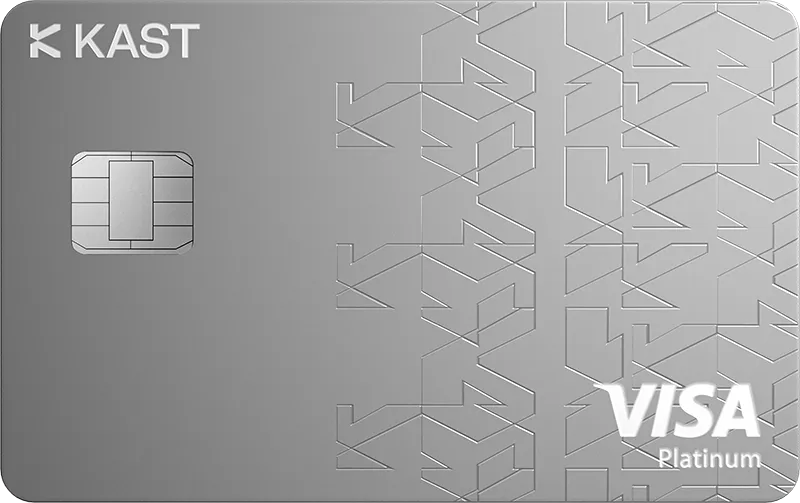
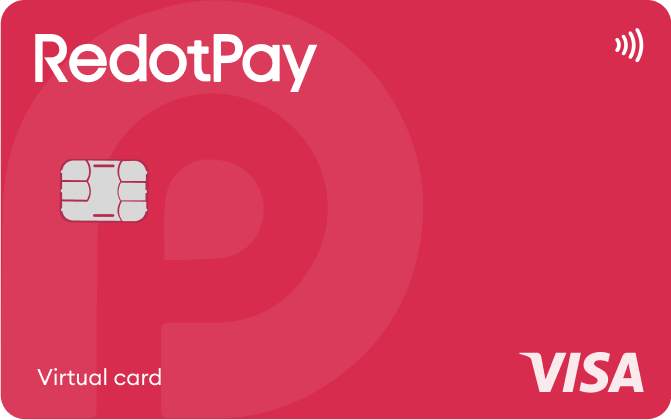
| CARD PROFILE | Rewards · first band | Foreign-currency fee | Maintenance / subscription |
|---|---|---|---|
| KAST K Card | 1.5% USD on first $2,000/month | 0.5–1.75% on non-USD payments | $0/year membership |
| KAST K Card · Regional and transaction eligibility applies. Non-USD purchases under $25 add $0.10; points are separate from cash rates. | |||
| RedotPay Virtual | Standard cashback unspecified; Pro separate | Check purchase FX in app; ATM rate is separate | Card $0/year; optional Pro and personal funding-account fees separate |
| RedotPay Virtual · Issuance payment is not spending balance. Purchase FX could not be reverified from the readable public fee page. | |||
| RedotPay Physical | Standard cashback unspecified; Pro separate | Check purchase FX in app; ATM rate is separate | No card annual fee |
| RedotPay Physical · Physical cards require a separate application and support ATMs. Annual Pro membership waives physical issuance once. | |||
Fee and reward sources
Fees · 1 Sep 2026 ↗Reward redemption ↗
K Card ↗
Membership plans ↗
Official terms · 2026-09-08 ↗
Official terms · 2026-09-08 ↗
Virtual issuance ↗
Physical issuance ↗
Card overview ↗
Current fee schedule ↗
Pro / normal card costs ↗
Currency and conversion fees ↗
Official terms · 2026-09-08 ↗
RedotPay — explicitly no card management, monthly or annual fees ↗
Personal funding account — separate annual maintenance conditions ↗
Normal card prices ↗
Official terms · 2026-09-08 ↗
Published terms for these plans. Read the card profiles for caps, reward forms and other costs.
Compare cards ↗Official sources
An editorial guide based on official materials, not a report of a payment test or an individual approval.