Spain
Spain Mexico
 Brazil
 Poland
 Taiwan
 Philippines
 South Korea

The essentials
- Find out whether money is merely reserved
- Check the details that you control
- Send support one clear incident record
Find out whether money is merely reserved
Suppose an online electronics order in Puebla displays “payment unsuccessful” for MXN 2,400, while the card app shows an authorization. Stop before pressing Pay again. Save the merchant order number and app status; an unsuccessful checkout message does not by itself establish that no amount was reserved on the card.
Separate three possibilities: no authorization, a pending authorization or a settled charge without an order confirmation. Those cases need different questions for the merchant and provider. A deposit that is still processing is not necessarily available card balance, and a previous hold can reduce what a second purchase can use.
- Save the order number and exact error.
- Check pending versus settled status.
- Retry only after resolving the cause.
Check the details that you control
Inspect freeze status, the available balance, expiry and CVV, and any spending controls shown in the card app. Use the billing address actually registered to the card account. Do not invent a different country or postal code to get through a Mexican checkout; ask the merchant which card types it accepts.
If the purchase requests an authentication approval, complete it through the legitimate provider flow on your own device. Do not send an OTP to a merchant chat. KAST’s published insufficient-balance decline fee makes blind retries particularly unhelpful; first fund enough for the actual purchase and applicable charges, then reassess its status.

Send support one clear incident record
Include the local date, time and timezone, merchant name, MXN amount, app reference and a screenshot with sensitive card details hidden. State whether the order exists and whether the app shows pending or settled. This lets support investigate a particular attempt instead of trying to distinguish several unexplained identical charges.
If you need the item urgently, confirm the first order’s status with the merchant before using another payment method. Keep any cancellation confirmation. A card provider cannot promise that every merchant will accept a particular card, and a support ticket should not be presented as a guaranteed approval or refund.
Compare the cards in this story
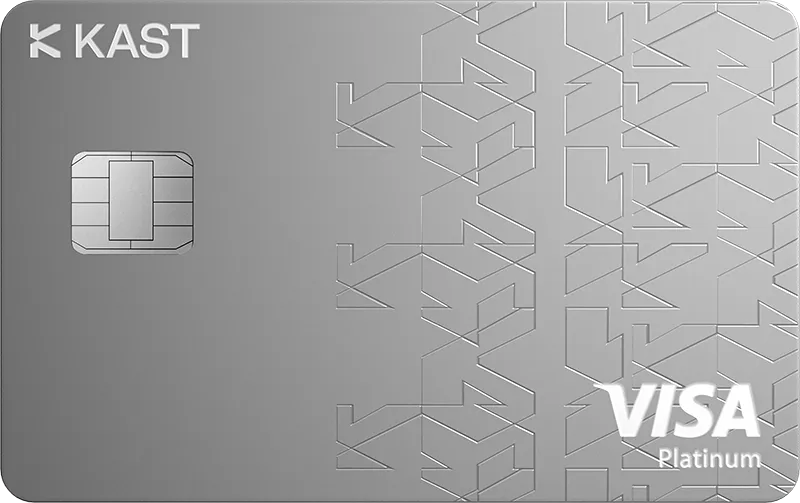
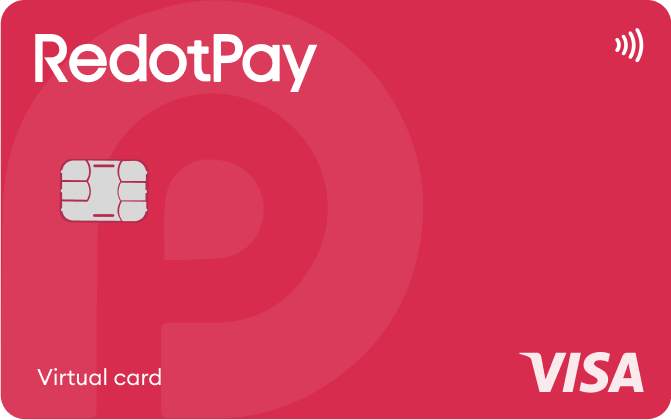
| CARD PROFILE | Rewards · first band | Foreign-currency fee | Maintenance / subscription |
|---|---|---|---|
| KAST K Card | 1.5% USD on first $2,000/month | 0.5–1.75% on non-USD payments | $0/year membership |
| KAST K Card · Regional and transaction eligibility applies. Non-USD purchases under $25 add $0.10; points are separate from cash rates. | |||
| RedotPay Virtual | Standard cashback unspecified; Pro separate | Check purchase FX in app; ATM rate is separate | Card $0/year; optional Pro and personal funding-account fees separate |
| RedotPay Virtual · Issuance payment is not spending balance. Purchase FX could not be reverified from the readable public fee page. | |||
Fee and reward sources
Fees · 1 Sep 2026 ↗Reward redemption ↗
K Card ↗
Membership plans ↗
Official terms · 2026-09-08 ↗
Official terms · 2026-09-08 ↗
Virtual issuance ↗
Physical issuance ↗
Card overview ↗
Current fee schedule ↗
Pro / normal card costs ↗
Currency and conversion fees ↗
Official terms · 2026-09-08 ↗
RedotPay — explicitly no card management, monthly or annual fees ↗
Personal funding account — separate annual maintenance conditions ↗
Published terms for these plans. Read the card profiles for caps, reward forms and other costs.
Compare cards ↗Official sources
An editorial guide based on official materials, not a report of a payment test or an individual approval.