Spain
Spain Mexico
 Brazil
 Poland
 Taiwan
 Philippines
 South Korea
The essentials
- APAC Bitget Wallet cards currently do not support Apple Pay.
- Identify whether the failure belongs to the device, enrollment or checkout.
- Keep the exact error and stop repeating the same attempt.
Locate the step that failed
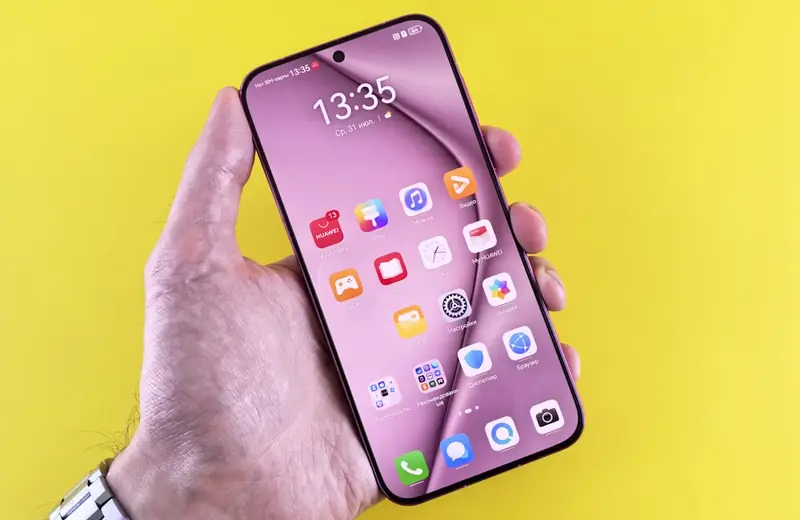
You are preparing an Android phone for a weekend purchase in Quezon City. Before adding more money, identify the last completed step: installing Wallet, adding the card, finishing verification or attempting a terminal payment. A card image appearing in the app does not by itself establish that contactless setup has finished.
For Bitget Wallet’s APAC card, an iPhone is a separate decision: the regional guide currently excludes Apple Pay enrollment. Do not use instructions for another issuing region to infer otherwise. Online card-number entry is a different payment method, so a successful online order would not establish that phone tapping is available.
Resolve the specific setup message
A message that setup could not finish concerns enrollment; retain its wording and follow the provider’s retry or support guidance. A message that the phone cannot be set up concerns device requirements. Bitget’s guide identifies missing NFC and modified or uncertified software among the possible causes. Adding funds does not repair those conditions.
Check NFC, the default contactless payment app and Wallet’s payment-setup status. Finish the requested card verification through the official flow and check the registered number if a code is expected. Treat a missing code separately from a terminal decline. Do not share verification codes with anyone offering to enroll the card for you.

Only then troubleshoot a purchase
Once Wallet shows the card ready, a failed shop payment needs a new record: merchant, PHP amount, time, terminal response and any corresponding card transaction. Check that the card is usable and its available balance covers the purchase. A terminal failure does not retrospectively prove the original enrollment failed or that the card was charged.
For support, send the smallest useful set of details, including the phone model and exact failure stage; conceal full card numbers in screenshots. Use a familiar alternative while the issue is open. Resolve the first attempt before repeating payment so a busy checkout does not leave several unclear entries against the same order. Note whether the problem began after an app update or a device change, because that timeline helps support narrow its investigation.
- Device check: NFC available and enabled; official, supported software; correct default payment app.
- Enrollment check: required verification completed and Wallet shows the card ready for contactless use.
- Purchase check: transaction status, available balance, merchant response and a single saved error record.
Compare the cards in this story
| CARD PROFILE | Rewards · first band | Foreign-currency fee | Maintenance / subscription |
|---|---|---|---|
| Bitget Wallet Card | 2% base assetback; 3% when qualified | APAC: 1.7% FX + 0.05–0.2% conversion | No annual fee |
| Bitget Wallet Card · Unused APAC top-ups cannot be withdrawn. Non-USD payments add 1.7% FX plus about 0.05% conversion; LATAM/Africa Apple Pay enrollment is paused. | |||
Fee and reward sources
Bitget Wallet — Card overview ↗APAC identity and residence eligibility ↗
APAC preloaded card balance ↗
Bitget Wallet — APAC fees ↗
Bitget Wallet — Europe and Latin America activation ↗
Bitget Wallet — Assetback rewards and redemption ↗
Official terms · 2026-09-08 ↗
Published terms for these plans. Read the card profiles for caps, reward forms and other costs.
Official sources
An editorial guide based on official materials, not a report of a payment test or an individual approval.