Spain
Spain Mexico
 Brazil
 Poland
 Taiwan
 Philippines
 South Korea

The essentials
- Copy current receiving details, including any required memo.
- Send a small amount that still meets the receiving minimum.
- Separate a credited crypto deposit from the balance used by the card.
Begin at the destination
A Kraków resident planning to buy a monitor may already hold crypto on an exchange. Open the receiving provider first and select the exact asset and network. Then compare the exchange withdrawal options. The same token name at both ends is insufficient when the selected networks differ.
Nexo and Crypto.com publish asset-specific receiving instructions. Use the current screen for the address and any required memo or destination tag. Check the pasted details before confirming. A familiar address format does not establish network compatibility, and a saved address should be checked against today’s receiving instructions.
Make the test useful
Choose a modest transfer that meets the displayed receiving minimum after any deducted sending fee. A hypothetical 10-unit transfer with a 1-unit deduction delivers 9 units; compare that net amount with the minimum. This example states no actual provider fee and does not recommend a particular token or chain.
Keep the withdrawal reference and blockchain transaction hash, then wait for the receiving account to show the credit. If it is missing, inspect the original transaction rather than sending the remaining balance. Give official support the asset, network, amount and hash; do not assume an incorrect transfer can be recovered.

Check the final step to card spending
For Crypto.com, a crypto deposit and funding the EU prepaid card are separate steps. Follow the current card top-up instructions and check the card balance. For Nexo, inspect the selected Debit or Credit Mode and its available spending capacity before paying; a deposit alone does not establish the chosen mode.
Keep the monitor’s PLN price separate from any EUR card accounting or Nexo EURx balance. An app display in złoty is not proof of a PLN funding route. Record the conversion and any funding costs before deciding how much of the remaining crypto to move.
- Match: asset, network, current address and required memo or tag.
- Check: net transfer amount, receiving minimum and credited account balance.
- Finish: card funding or mode, available spending amount and PLN purchase budget.
Compare the cards in this story
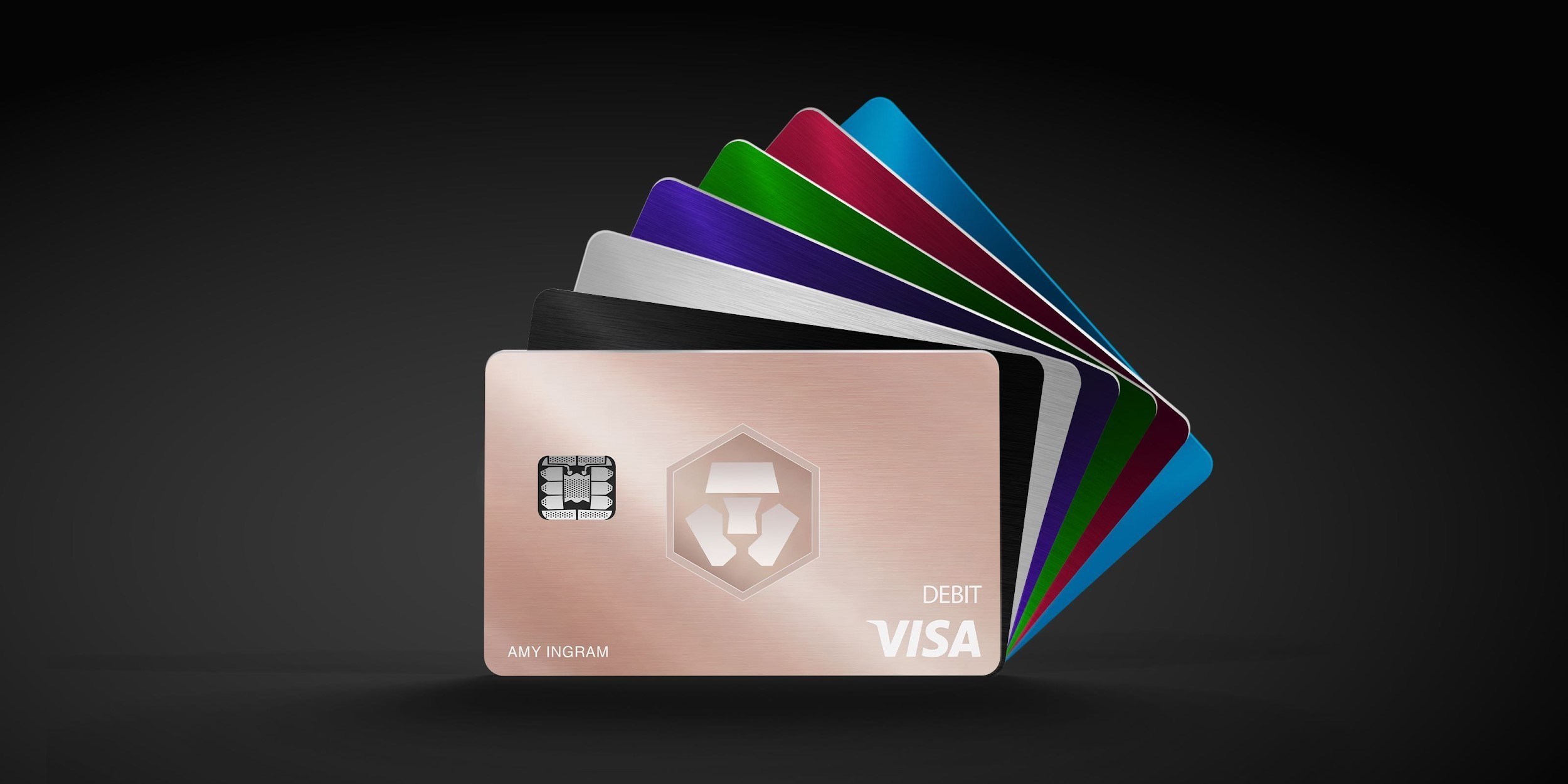
| CARD PROFILE | Rewards · first band | Foreign-currency fee | Maintenance / subscription |
|---|---|---|---|
| Nexo Card | 0% Debit Mode | 0.2–2.5% by region/day | No card annual fee |
| Nexo Card · Credit Mode rewards are separate. FX is 0.2% weekdays/0.7% weekends in EEA/UK/Switzerland, or 2%/2.5% elsewhere. | |||
| Crypto.com Midnight Blue | Basic everyday spend 0% | EEA non-EUR: 0.2% in EU/UK; 2% elsewhere | Basic plan free |
| Crypto.com Midnight Blue · Free Basic plan. Travel/promotional rewards are separate from the everyday rate; issuance and FX vary by region. | |||
Fee and reward sources
Card fees, modes and eligibility ↗Issuance and limits ↗
Official terms · 2026-09-08 ↗
EU fees and limits ↗
Basic subscription ↗
Application fees ↗
Rewards and benefits ↗
Prepaid lineup ↗
Crypto.com US prepaid fees and limits ↗
Crypto.com Brazil/LATAM USD prepaid fees ↗
Published terms for these plans. Read the card profiles for caps, reward forms and other costs.
Compare cards ↗Official sources
An editorial guide based on official materials, not a report of a payment test or an individual approval.