Spain
Spain Mexico
 Brazil
 Poland
 Taiwan
 Philippines
 South Korea
The essentials
- Freeze promptly from a trusted device or secure session.
- Give support a dated, specific incident record.
- Restore authentication and review activity before unfreezing.
Stop card use where you still have access
Imagine discovering your phone is missing after a Warsaw tram journey. If you retain trusted account access, freeze the affected card promptly. Nexo documents Card → Freeze card; Crypto.com provides a Freeze Card control in its card management area. Record the time and whether the app confirmed the action.
Without account access, contact the provider through its official support or recovery route. Separately use your phone platform’s lost-device protection and contact your carrier about the SIM. A card freeze addresses card use; it does not recover a phone, restore authentication or repay any Nexo Credit Mode borrowing.
Prepare a concise support packet
Write when you last controlled the phone, when you noticed the loss and which protective actions you completed. Include the date and time zone so a Warsaw local timestamp is understandable to support elsewhere. Identify the affected card using the requested safe identifier, such as its last four digits.
For an unfamiliar charge, add merchant description, transaction reference, amount, currency and status. With Nexo, record the selected mode and relevant EURx entry if applicable; with Crypto.com, identify the prepaid-card balance. Keep the original PLN receipt separate. Do not send full card numbers, passwords, authentication codes or recovery secrets in screenshots.
Recover access before restoring everyday payments
Use the official recovery procedure for the account and authentication on your replacement device. If someone offers faster recovery by private message, return to the verified support channel. A support record helps investigation but does not guarantee reimbursement; preserve your evidence and ask what the next confirmed action will be.
After access returns, review recent activity and registered contact details before unfreezing. Ask about replacement if card details may be compromised. Recheck phone-wallet enrollment separately and retain another payment method for Polish essentials while recovery remains incomplete. Review upcoming merchant subscriptions because freezing the card does not cancel those agreements.
- Contain: confirmed freeze, device and SIM protection, dated support reference.
- Report: timeline, card identifier, transaction status, amount, currency and supporting receipt.
- Resume: account control, authentication, reviewed activity and confirmed payment readiness.
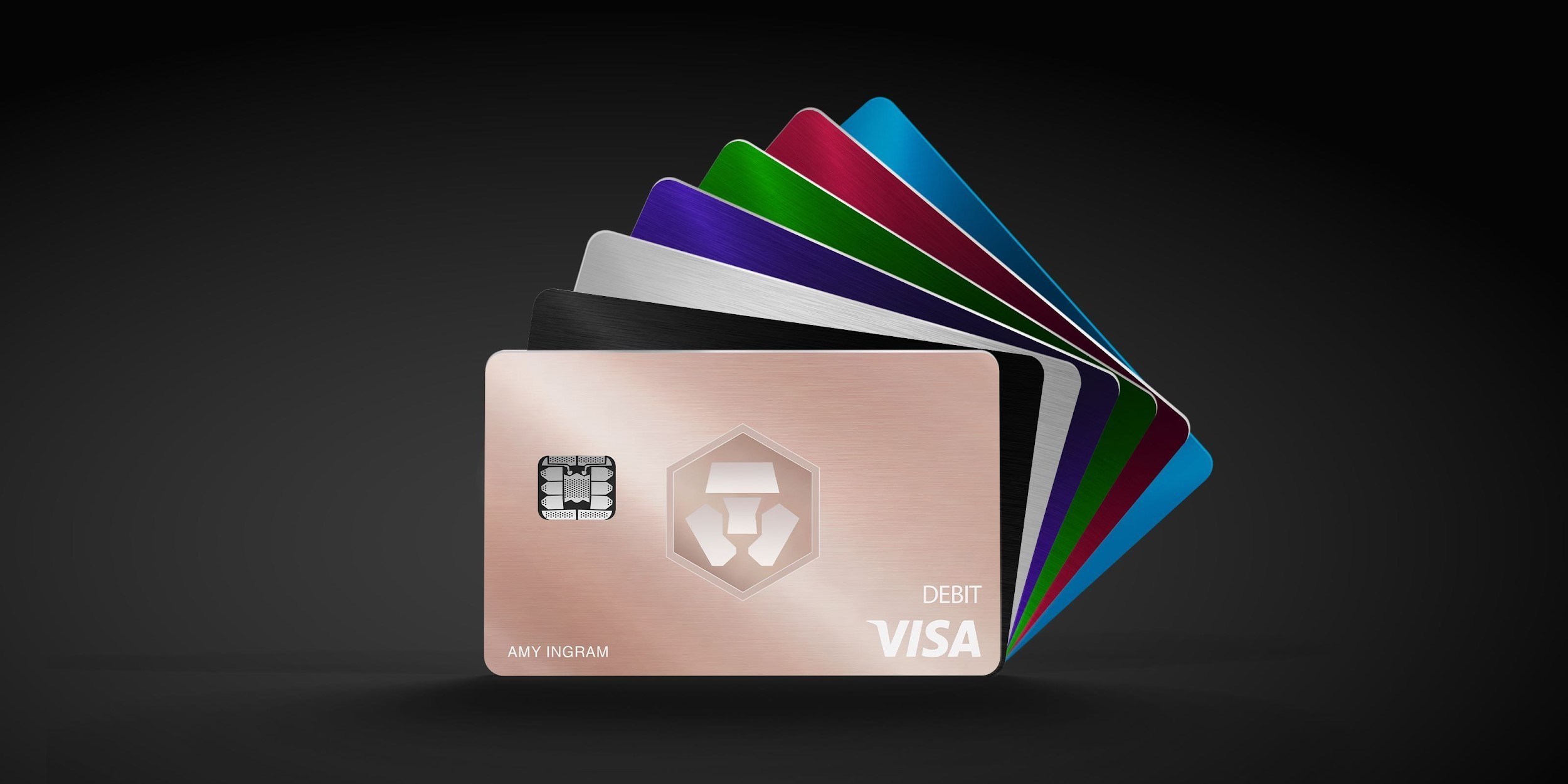
Compare the cards in this story
| CARD PROFILE | Rewards · first band | Foreign-currency fee | Maintenance / subscription |
|---|---|---|---|
| Nexo Card | 0% Debit Mode | 0.2–2.5% by region/day | No card annual fee |
| Nexo Card · Credit Mode rewards are separate. FX is 0.2% weekdays/0.7% weekends in EEA/UK/Switzerland, or 2%/2.5% elsewhere. | |||
| Crypto.com Midnight Blue | Basic everyday spend 0% | EEA non-EUR: 0.2% in EU/UK; 2% elsewhere | Basic plan free |
| Crypto.com Midnight Blue · Free Basic plan. Travel/promotional rewards are separate from the everyday rate; issuance and FX vary by region. | |||
Fee and reward sources
Card fees, modes and eligibility ↗Issuance and limits ↗
Official terms · 2026-09-08 ↗
EU fees and limits ↗
Basic subscription ↗
Application fees ↗
Rewards and benefits ↗
Prepaid lineup ↗
Crypto.com US prepaid fees and limits ↗
Crypto.com Brazil/LATAM USD prepaid fees ↗
Published terms for these plans. Read the card profiles for caps, reward forms and other costs.
Compare cards ↗Official sources
An editorial guide based on official materials, not a report of a payment test or an individual approval.