Spain
Spain Mexico
 Brazil
 Poland
 Taiwan
 Philippines
 South Korea

The essentials
- Calculate PLN→EUR and EUR→PLN separately.
- Treat rate calculators as indicative.
- Plan for travel holds and backup payment.
When travelling from Poland to a euro-area country, a terminal may offer more than one payment currency. Identify the merchant’s original price currency before choosing. A familiar currency display does not by itself mean a better rate.
A merchant or ATM conversion offer is separate from your issuer’s conversion. Read the displayed rate and additional costs, then compare them with your card’s terms. Keep the purchase amount, selected currency and final charge. You can plan in PLN while recording the actual transaction currency separately. Treat pre-trip calculations as estimates and update them with settled statements.
Three checks at the terminal
Read the original EUR price first. If PLN is offered, inspect its displayed rate and markup against your card’s EUR-processing terms. Check that the receipt matches your choice. If the conversion is unexplained or chosen for you, ask to see the currency-selection screen before proceeding and contact the issuer if the problem remains.
Mark every currency change
If PLN salary is exchanged to EUR for funding and then spent on a PLN purchase, examine both currency-change points. One free step does not make the other free. Nexo EUR Top Up and Crypto.com EUR card funding each use the receiving details and balance rules of that account.
Write the route PLN bank balance → EUR deposit → card balance → PLN purchase, recording costs at each step. If you already hold EUR, remove the first exchange from your calculation. This makes the comparison with an ordinary PLN card more consistent.
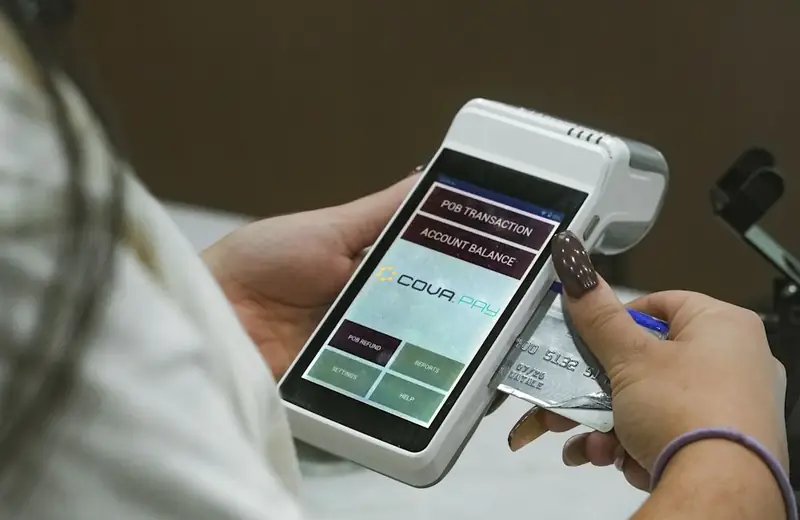
Price the travel route before departure
Evaluate the EUR travel budget separately from PLN living costs. An exchange-rate calculator is an indicative quote, not a guarantee covering the card’s added fees and the eventual processing time.
For accommodation or car rental, check whether authorization holds need additional available balance. Before departure, locate the freeze control and save the official support route. The ability to use another payment method after a decline matters alongside the exchange quote, particularly when the purchase cannot conveniently wait for support to reply.
Compare the cards in this story
| CARD PROFILE | Rewards · first band | Foreign-currency fee | Maintenance / subscription |
|---|---|---|---|
| Nexo Card | 0% Debit Mode | 0.2–2.5% by region/day | No card annual fee |
| Nexo Card · Credit Mode rewards are separate. FX is 0.2% weekdays/0.7% weekends in EEA/UK/Switzerland, or 2%/2.5% elsewhere. | |||
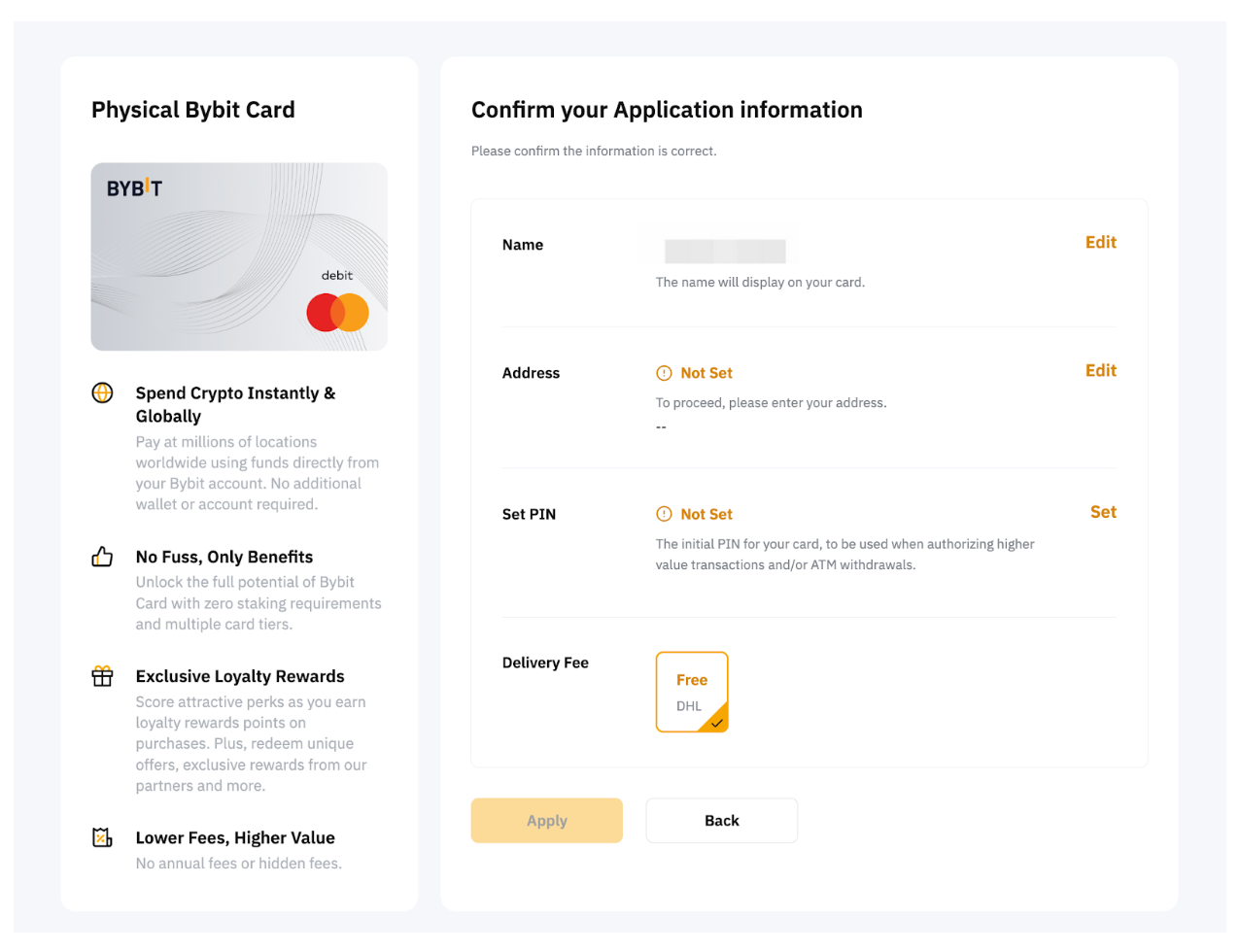
| Bybit EU Card | Base 1%; no monthly cap | 0.5% non-EUR + 0.9% crypto conversion | No annual card fee |
| Bybit EU Card · Base eligible spend earns 1% without a monthly cap. Higher 2–10% tiers have conditions and caps. Crypto-funded spending adds 0.9% conversion plus applicable FX. | |||
| ether.fi Cash Core | 3% on first $2,000/month eligible spend | Base FX ~1% + 0–0.5% margin | Membership $0/year; issuance, shipping and usage costs separate |
| ether.fi Cash Core · Core entry tier. Standard monthly spend earns 1% after $2,000 and 0.5% after $3,000; EUR bands differ. | |||
Fee and reward sources
Card fees, modes and eligibility ↗Issuance and limits ↗
Official terms · 2026-09-08 ↗
EU fees and limits ↗
Current reward tiers ↗
Rewards FAQ ↗
Official terms · 2026-09-08 ↗
Core · Membership ↗
Cashback bands ↗
FX fees ↗
EUR purchases ↗
Virtual-card exceptions ↗
Membership benefits ↗
Official terms · 2026-09-08 ↗
Published terms for these plans. Read the card profiles for caps, reward forms and other costs.
Compare cards ↗Official sources
An editorial guide based on official materials, not a report of a payment test or an individual approval.