Spain
Spain Mexico
 Brazil
 Poland
 Taiwan
 Philippines
 South Korea

The essentials
- Keep purchase currency, card currency and credited asset separate.
- For Nexo, check the card currency and any Credit Mode balance.
- Ask Crypto.com to confirm the actual foreign-purchase refund currency.
Start with the original transaction
Imagine returning a bicycle accessory bought in Poznań. Keep the PLN receipt, the card’s settled debit and the merchant’s refund confirmation together. First establish that the original payment settled; a released authorization hold is a different event from a new refund credit and should be recorded separately.
Create three labelled fields: merchant currency, card accounting currency and credited asset or balance. A PLN price can coexist with EUR accounting, while a Nexo EURx entry is labelled differently again. Do not merge those fields because an app displays all values as estimated złoty equivalents.
Check what each provider actually records
Nexo’s checked refund guidance links the returned FIATx balance to the originally selected card currency. For a EUR card, inspect the EURx refund entry. If the purchase used Credit Mode, review the refund and outstanding borrowing separately rather than assuming the returned amount automatically repaid the loan.
The checked Crypto.com help does not establish a fixed currency or conversion rate for every foreign-purchase refund. Give in-app support the EU prepaid-card transaction reference and ask which balance receives the credit, in what currency and at what rate. A merchant confirmation alone cannot answer those account-level questions.

Explain the difference before closing the record
Here is a hypothetical calculation: your record values an original EUR100 debit at PLN430, while a confirmed EUR100 refund is valued at PLN420 using your recorded later rate. The PLN10 difference is a valuation difference in this example, not proof that the merchant refunded fewer euros.
Use the actual posted amount and retain both conversion dates and rates. List any unrecovered fee separately from the currency difference. If the credited amount itself is short, keep the refund reference and ask for an explanation. Finish reconciliation only when the destination balance and remaining difference are understood.
- Original: PLN receipt, settled card debit, accounting currency and applied rate.
- Return: merchant reference, processing date, credited balance, asset and quantity.
- Difference: exchange-rate effect, unrecovered fees, unresolved amount and support explanation.
Compare the cards in this story
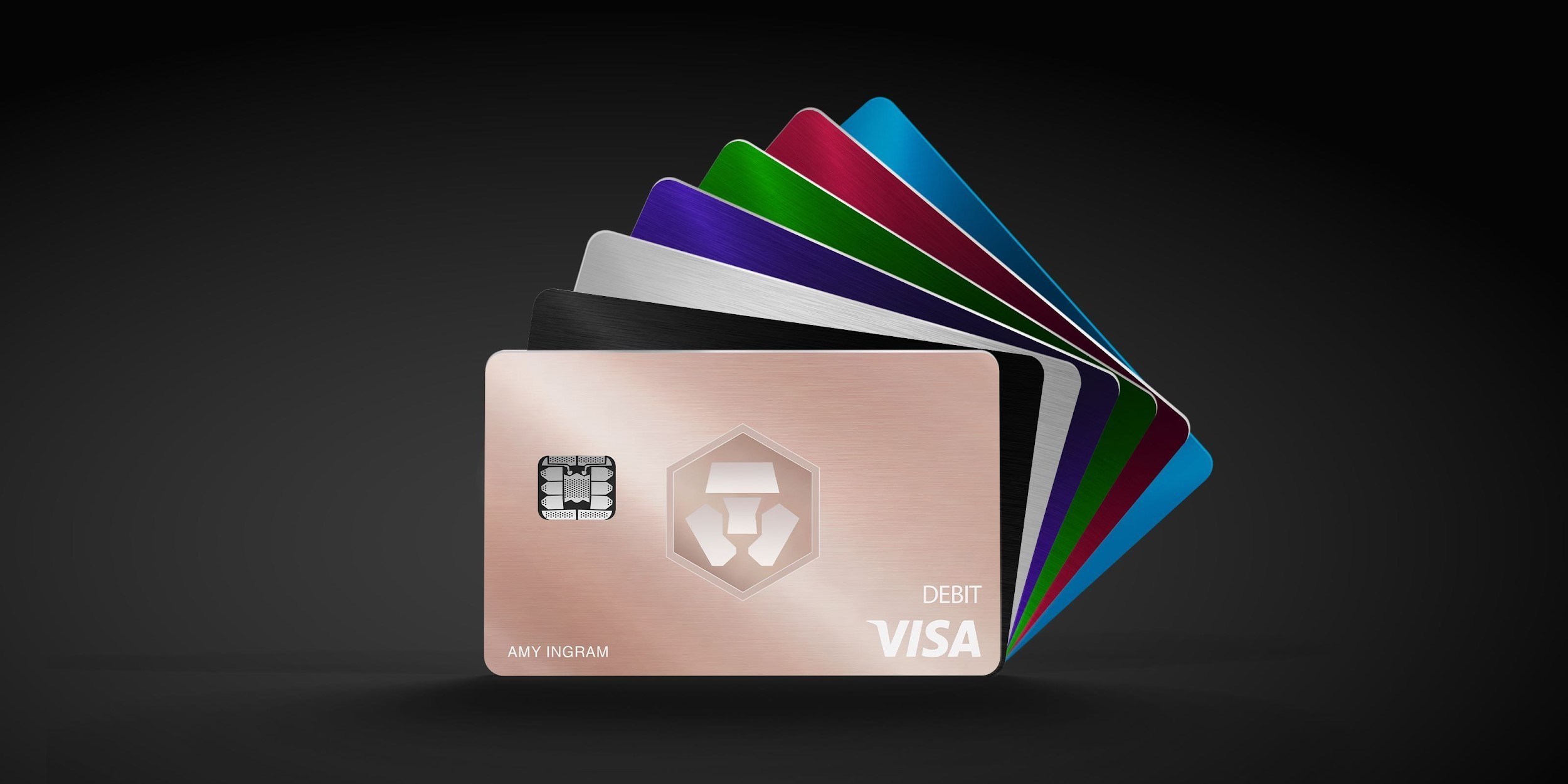
| CARD PROFILE | Rewards · first band | Foreign-currency fee | Maintenance / subscription |
|---|---|---|---|
| Nexo Card | 0% Debit Mode | 0.2–2.5% by region/day | No card annual fee |
| Nexo Card · Credit Mode rewards are separate. FX is 0.2% weekdays/0.7% weekends in EEA/UK/Switzerland, or 2%/2.5% elsewhere. | |||
| Crypto.com Midnight Blue | Basic everyday spend 0% | EEA non-EUR: 0.2% in EU/UK; 2% elsewhere | Basic plan free |
| Crypto.com Midnight Blue · Free Basic plan. Travel/promotional rewards are separate from the everyday rate; issuance and FX vary by region. | |||
Fee and reward sources
Card fees, modes and eligibility ↗Issuance and limits ↗
Official terms · 2026-09-08 ↗
EU fees and limits ↗
Basic subscription ↗
Application fees ↗
Rewards and benefits ↗
Prepaid lineup ↗
Crypto.com US prepaid fees and limits ↗
Crypto.com Brazil/LATAM USD prepaid fees ↗
Published terms for these plans. Read the card profiles for caps, reward forms and other costs.
Compare cards ↗Official sources
An editorial guide based on official materials, not a report of a payment test or an individual approval.