Spain
Spain Mexico
 Brazil
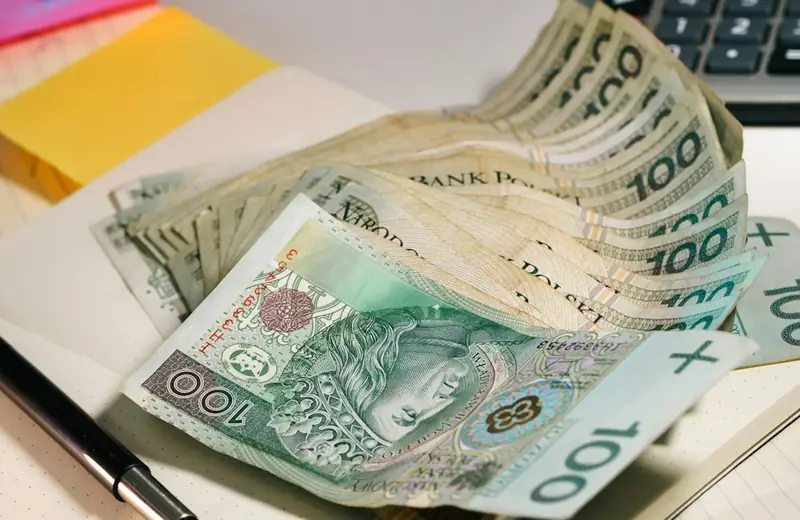
 Poland
 Taiwan
 Philippines
 South Korea

Four steps to your first payment
How a payment comes together
Eligibility and funding routes vary by card. Select a step to explore what to prepare.
Pick an existing payment and funding balance; compare with your current card.
Check residence, documents, exact plan, supported asset and network.
Save the receipt and settled debit; distinguish pending from usable rewards.
Subtract actual costs from confirmed rewards and assess funding and app convenience.
The essentials
- Separate PLN living costs and EUR travel.
- Distinguish app balances from card balances.
- Card FX costs can remain after choosing PLN.
Give PLN and EUR different jobs
Combining Polish living costs and euro-area travel into one number can hide what a card is good at. A person earning PLN and buying groceries in PLN may pay for exchange before even funding an EUR card. Someone already receiving EUR, or holding a euro travel budget, starts from a different position and may not need that extra step.
A SEPA funding option means a route for euros; it does not create a PLN card balance. Split the budget into PLN purchases at home and EUR purchases in the euro area, then identify the funding currency for each. Your existing PLN card might remain convenient for everyday spending while the new card serves a specific travel use. Replacing every payment method need not be the objective.
Compare the balance before the badge
For Nexo, separate Debit Mode from Credit Mode before comparing benefits. The Debit user is selecting a route for spending their own balance; the Credit user also needs to understand collateral, interest and repayment. Poland’s membership of the EEA does not by itself satisfy every individual document condition.
Crypto.com’s European prepaid card separates funding an account from topping up the card balance. Follow the extra step from the EUR Cash Account into the card. Funds already topped up cannot simply be moved back to the Cash Account, which matters when deciding how much to load. “There is money in the app” is therefore less useful than “which balance does this particular card actually spend?” Check that distinction before judging convenience or committing a whole month’s budget.

Pause at the currency-choice screen
If a Polish terminal offers PLN and your card currency, compare what is being offered. Dynamic currency conversion lets the merchant’s side convert the purchase into the card currency. Choosing PLN avoids that merchant conversion, but it does not remove the card’s own foreign-exchange fees. A foreign purchase can still have a cost after declining DCC.
Evaluate the reward minus funding, exchange and maintenance costs. In a purely hypothetical example, a 2% usable reward with 1.5% total costs leaves 0.5%; these are not the terms of any particular card. For the first month, keep PLN purchases separate from EUR purchases. If something is refunded, retain both the purchase and returned amounts in the card’s settlement currency rather than assuming identical exchange outcomes.
From application to refund, by card
Record PLN-to-EUR exchange costs at your bank first. SEPA carries euros; it does not establish a PLN card balance or conversion-free PLN purchases.
01Nexo CardUseful for comparing Debit and Credit Modes across Poland and the euro area. PLN spending adds conversion against an EUR-denominated card.+
The tradeoff Debit Mode earns no cashback; physical issuance needs over $5,000 and Gold tier, while FX varies by region and day.
Application conditions for this residence
Conditional candidate: Spain and Poland are in the EEA, but Nexo checks citizenship/residence and a supported European-issued document. With only a non-European passport, resolve card eligibility with Client Care before funding.
Documents to prepare
- Passport, ID card or residence permit offered in the verification menu
- Card requires a supported EEA/UK/eligible-European-issued document; account KYC alone does not establish card eligibility
Application, funding and first use
- Create a Nexo account and verify with an eligible European identity document.
- Have at least $50 in your account for virtual activation.
- Open the app’s Card tab and choose Activate Card.
- For physical, hold over $5,000 and Gold tier or above, then order in Card.
Your first local-currency purchase
Compare PLN-to-EUR funding cost, then send EUR through EUR Top Up. Choose PLN in Poland and EUR in the euro area to avoid DCC; cash-like and money-transfer merchants face restrictions.
Cancellations, refunds and support
- Cancellations, refunds and support
- Ask the merchant first for a completed-purchase refund. Distinguish pending authorizations from settled charges; if the merchant refuses, keep refusal correspondence and receipts for a Client Care chargeback request.
- How long does it take?
- Official guidance makes timing merchant-dependent and publishes no fixed credit deadline. Obtain the merchant’s processing date and reference, then ask Client Care to trace an overdue refund.
- Where is it returned?
- Refunds are recorded in EURx or GBPx matching the initially selected card currency. For Credit Mode, inspect the refund and loan balance separately; do not assume automatic repayment.
- Cancellation and subscriptions
- Deactivate through Card → More → Deactivate card. Ask Client Care separately about account closure and outstanding borrowing; cancel paid merchant subscriptions directly with the merchant.
- Declined or unfamiliar transactions
- Check available balance or collateral capacity for the selected Debit/Credit Mode and card deactivation. For restricted money-transfer/cash-like merchants, avoid repeated retries; send timestamp, amount and merchant to Client Care.
- What to prepare for support
- Use the Help Center’s 24/7 Client Care or Contact form. Include refund-refusal evidence, receipts and transaction reference, clearly identifying a card-purchase dispute.
Official information · support.nexo.com ↗
Official information · support.nexo.com ↗
Official information · support.nexo.com ↗
Official information · support.nexo.com ↗
Official information · support.nexo.com ↗
Official sources · 2026.09.08
Nexo official guidance ↗Nexo official guidance ↗
Nexo official guidance ↗
Nexo official guidance ↗
Nexo EEA custody setup ↗
Funding and choosing Nexo Card mode ↗
Nexo card cashback eligibility ↗
Nexo EEA Card — issuer legal disclosure ↗
How can I order the Nexo Card ↗
Nexo Registration ↗
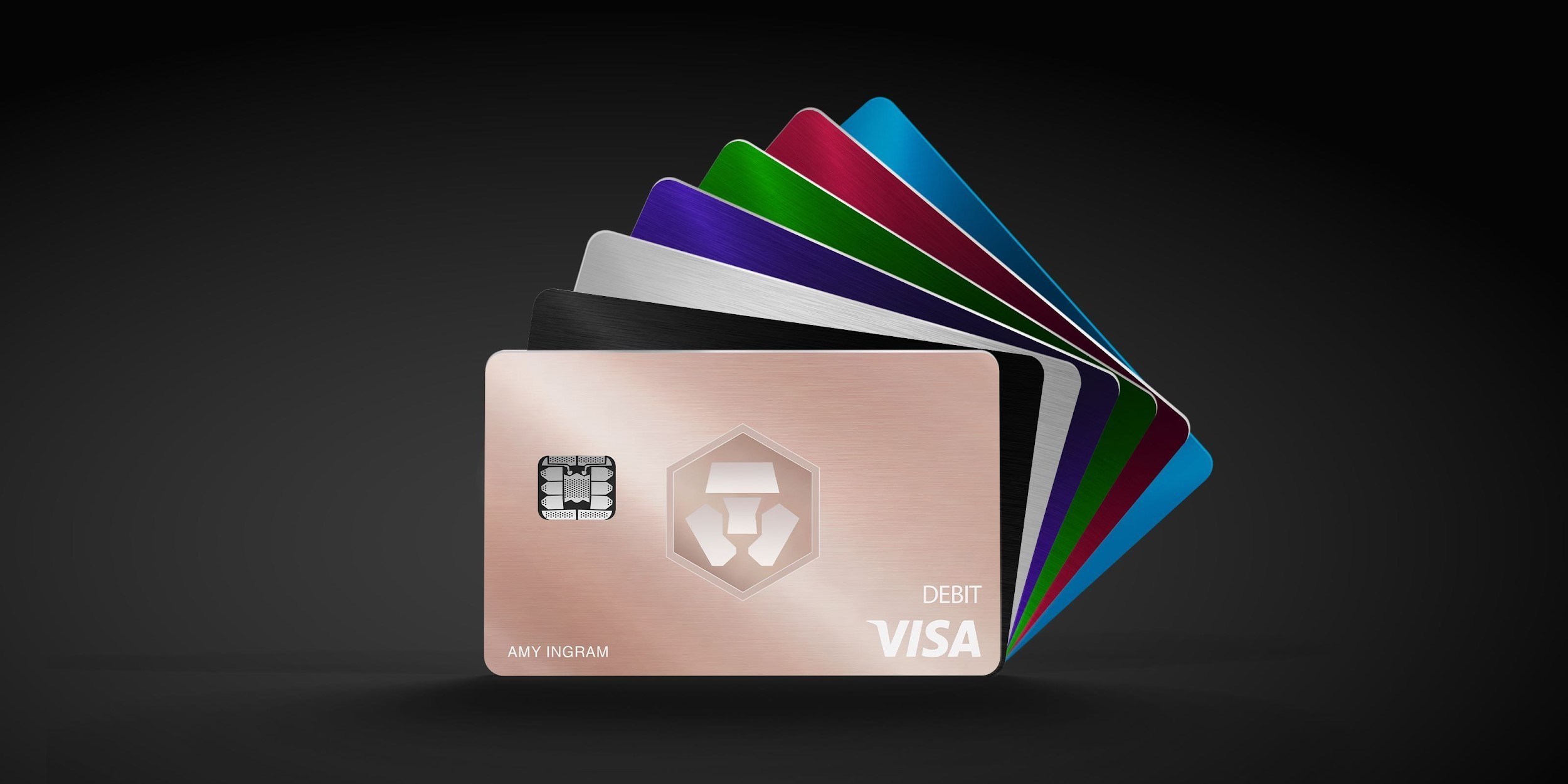
02Crypto.com Midnight BlueCompare it if you want spending limited to a prepaid EUR balance. The card balance is separate from your Exchange and Cash Account balances.+
The tradeoff Everyday rewards are 0%; issuance and FX vary locally. Mexico, Taiwan, Philippines and Korea programs remain unconfirmed here.
Application conditions for this residence
Poland appears on the official European delivery list. Nationality/document KYC and Polish address verification remain separate; request physical delivery after virtual issuance.
Documents to prepare
- Government ID photo and selfie; passport preferred, national ID/driving licence where accepted in the app
- Address proof in your name, such as utility bill, government letter or bank statement within 6 months; additional EUR Account requests are separate
Application, funding and first use
- Sign up and verify in the Crypto.com app
- Choose a Level Up plan, then Start next to Crypto.com Card
- Submit address and card name; request a physical card after virtual issuance if needed
Your first local-currency purchase
Convert PLN to EUR, deposit through your SEPA details, then use Card → Add Funds → Cash. PLN purchases convert; topped-up funds cannot return to the Cash Account, and ATM costs are separate.
Cancellations, refunds and support
- Cancellations, refunds and support
- Request a settled-purchase refund from the merchant first. Pending hotel/rental deposits are authorization holds; escalate unresolved charges through Transaction History → Report an Issue.
- How long does it take?
- No fixed ordinary-refund deadline appears in the checked help. Excess hotel/rental holds may last up to 60 days after use; disputes generally take 30–45 days, a separate process.
- Where is it returned?
- The checked help does not specify foreign-purchase refund currency or rate. Ask in-app support to confirm the destination balance, currency and conversion rate for your EU EUR prepaid-card transaction reference.
- Cancellation and subscriptions
- Request card closure through in-app chat. Separately cancel paid Level Up via Level Up → Manage subscription → Cancel subscription; cancellation does not release CRO before its lockup matures.
- Declined or unfamiliar transactions
- Check the Card balance, freeze status and room for merchant holds. For repeated contactless failures, try chip-and-PIN; send unresolved declines with timestamp, merchant and amount to in-app chat.
- What to prepare for support
- Use in-app chat or chat.crypto.com. For purchase disputes, attach receipts and merchant replies through Transaction → Report an Issue; the published claim window is 120 days after the transaction.
Official information · help.crypto.com ↗
Official information · help.crypto.com ↗
Official information · help.crypto.com ↗
Official information · help.crypto.com ↗
Official information · chat.crypto.com ↗
Official sources · 2026.09.08
Crypto.com official guidance ↗Crypto.com official guidance ↗
Crypto.com official guidance ↗
Crypto.com official guidance ↗
Crypto.com official guidance ↗
Current prepaid plans ↗
Prepaid card rewards and caps ↗
Apply for the prepaid card ↗
Virtual card and physical activation ↗
Google Wallet regional support ↗
Freeze a Crypto.com card ↗
Level Up Private terms ↗
Join Level Up ↗
Crypto.com EEA legal disclosure — issuer and crypto custody ↗
Compare the cards in this story
| CARD PROFILE | Rewards · first band | Foreign-currency fee | Maintenance / subscription |
|---|---|---|---|
| Nexo Card | 0% Debit Mode | 0.2–2.5% by region/day | No card annual fee |
| Nexo Card · Credit Mode rewards are separate. FX is 0.2% weekdays/0.7% weekends in EEA/UK/Switzerland, or 2%/2.5% elsewhere. | |||
| Crypto.com Midnight Blue | Basic everyday spend 0% | EEA non-EUR: 0.2% in EU/UK; 2% elsewhere | Basic plan free |
| Crypto.com Midnight Blue · Free Basic plan. Travel/promotional rewards are separate from the everyday rate; issuance and FX vary by region. | |||
Fee and reward sources
Card fees, modes and eligibility ↗Issuance and limits ↗
Official terms · 2026-09-08 ↗
EU fees and limits ↗
Basic subscription ↗
Application fees ↗
Rewards and benefits ↗
Prepaid lineup ↗
Crypto.com US prepaid fees and limits ↗
Crypto.com Brazil/LATAM USD prepaid fees ↗
Published terms for these plans. Read the card profiles for caps, reward forms and other costs.
Compare cards ↗Official sources
An editorial guide based on official materials, not a report of a payment test or an individual approval.
Official sources · 25
Nexo: Card eligibility and payment modes ↗ether.fi: Physical cards and delivery ↗
ether.fi: Identity verification requirements ↗
Visa: Dynamic currency conversion ↗
Visa: Indicative exchange-rate calculator ↗
ether.fi: Direct Pay, Borrow Mode and refunds ↗
Nexo official guidance ↗
Nexo official guidance ↗
Nexo official guidance ↗
Crypto.com official guidance ↗
Crypto.com official guidance ↗
Crypto.com official guidance ↗
Crypto.com official guidance ↗
Crypto.com official guidance ↗
Official information · support.nexo.com ↗
Official information · support.nexo.com ↗
Official information · support.nexo.com ↗
Official information · support.nexo.com ↗
Official information · support.nexo.com ↗
Official information · help.crypto.com ↗
Official information · help.crypto.com ↗
Official information · help.crypto.com ↗
Official information · help.crypto.com ↗
Official information · chat.crypto.com ↗
ECB: SEPA ↗