Spain
Spain Mexico
 Brazil
 Poland
 Taiwan
 Philippines
 South Korea
The essentials
- Identify the subscription’s actual billing currency
- Count PLN funding and USD purchase conversion
- Build the annual total from renewal records
Identify the subscription’s actual billing currency
When subscribing to US software or an online service from Poland, compare the catalogue’s dollar price with the final billing currency. An USD invoice, a merchant-set PLN price and an EUR price are different offers. A more familiar currency symbol does not establish the lower overall cost for your funding route.
Save the next billing date, billing cycle and final total including any displayed tax, then compare the checkout confirmation with the first receipt. Later price comparisons should use the same plan and period. Separate an annual prepayment discount from the effect of currency conversion performed through the card.
Count PLN funding and USD purchase conversion
A PLN salary converted to EUR for funding and then used for an USD subscription creates two conversion points: PLN to EUR and EUR to USD. Only the second may be visible in the card transaction, so retain the original bank debit. If you already held EUR, do not add that first conversion again.
For Nexo, check the selected mode and tier; for Crypto.com, read the European prepaid card’s active-plan fees. Do not import US credit-card or other-region pricing. If successive renewals consume different EUR amounts, first separate a changed dollar invoice from a changed exchange outcome before attributing the difference to a fee.

Build the annual total from renewal records
Hypothetically, the service invoices $20 in each of two months while the card debits €18.50 and €18.90. The €0.40 difference is observable, but it cannot automatically be labelled a weekend surcharge. This invented example is a record-comparison exercise, not a report of current rates or actual card charges.
For each renewal, retain the USD receipt, EUR debit, relevant PLN funding cost and usable reward. When ending the service, cancel with the merchant and save the effective date. A frozen card or empty balance does not document termination of the agreement; inspect the next scheduled bill against your cancellation record.
- Save the USD invoice and billing cycle.
- Connect the EUR debit with initial PLN costs.
- Keep renewal records and merchant cancellation.
Compare the cards in this story
| CARD PROFILE | Rewards · first band | Foreign-currency fee | Maintenance / subscription |
|---|---|---|---|
| Nexo Card | 0% Debit Mode | 0.2–2.5% by region/day | No card annual fee |
| Nexo Card · Credit Mode rewards are separate. FX is 0.2% weekdays/0.7% weekends in EEA/UK/Switzerland, or 2%/2.5% elsewhere. | |||
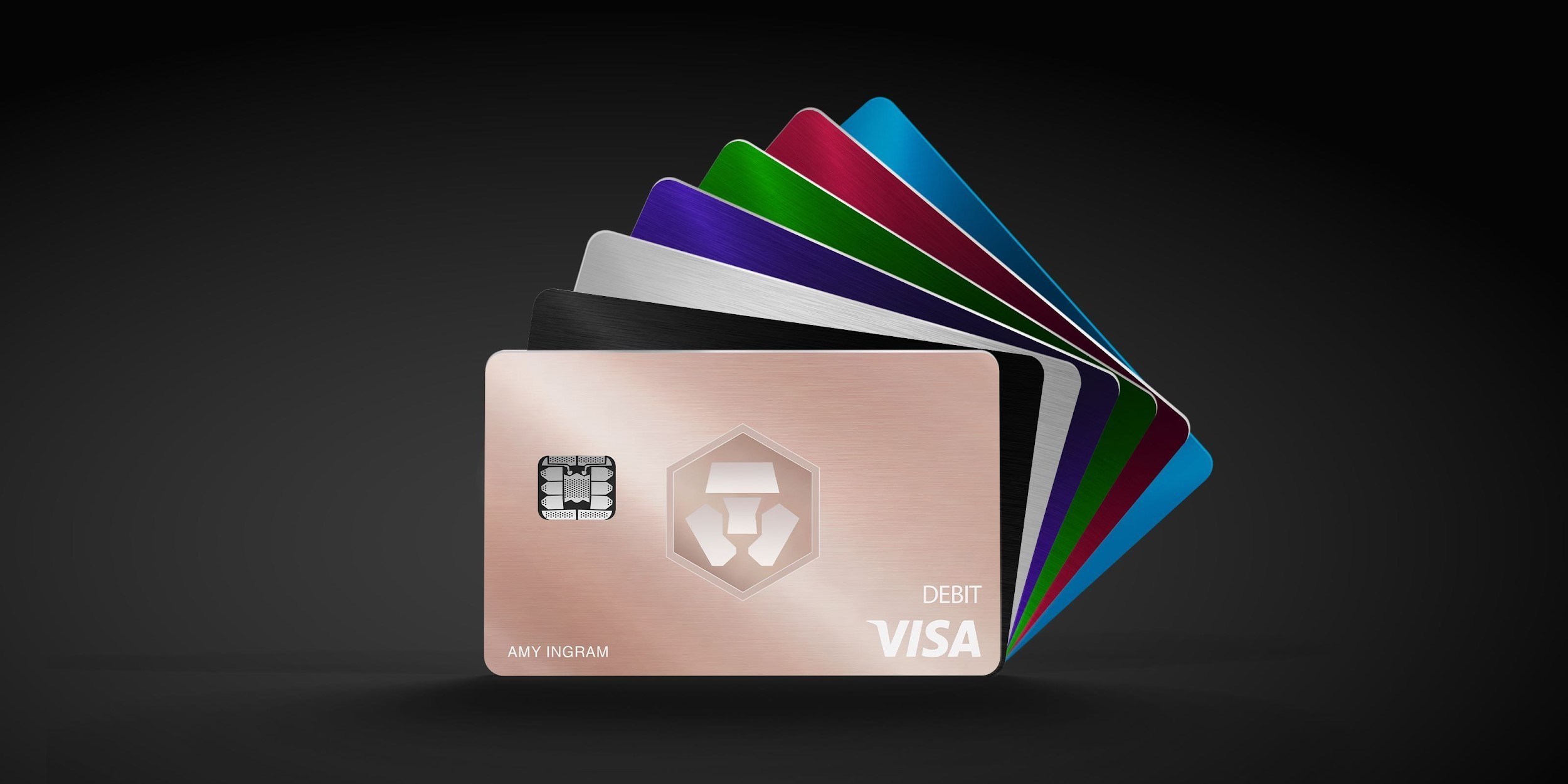
| Crypto.com Midnight Blue | Basic everyday spend 0% | EEA non-EUR: 0.2% in EU/UK; 2% elsewhere | Basic plan free |
| Crypto.com Midnight Blue · Free Basic plan. Travel/promotional rewards are separate from the everyday rate; issuance and FX vary by region. | |||
Fee and reward sources
Card fees, modes and eligibility ↗Issuance and limits ↗
Official terms · 2026-09-08 ↗
EU fees and limits ↗
Basic subscription ↗
Application fees ↗
Rewards and benefits ↗
Prepaid lineup ↗
Crypto.com US prepaid fees and limits ↗
Crypto.com Brazil/LATAM USD prepaid fees ↗
Published terms for these plans. Read the card profiles for caps, reward forms and other costs.
Compare cards ↗Official sources
An editorial guide based on official materials, not a report of a payment test or an individual approval.