Spain
Spain Mexico
 Brazil
 Poland
 Taiwan
 Philippines
 South Korea
The essentials
- Check the first attempt before tapping again
- Inspect card status and available spending balance
- Send authorization evidence if the issue remains
Check the first attempt before tapping again
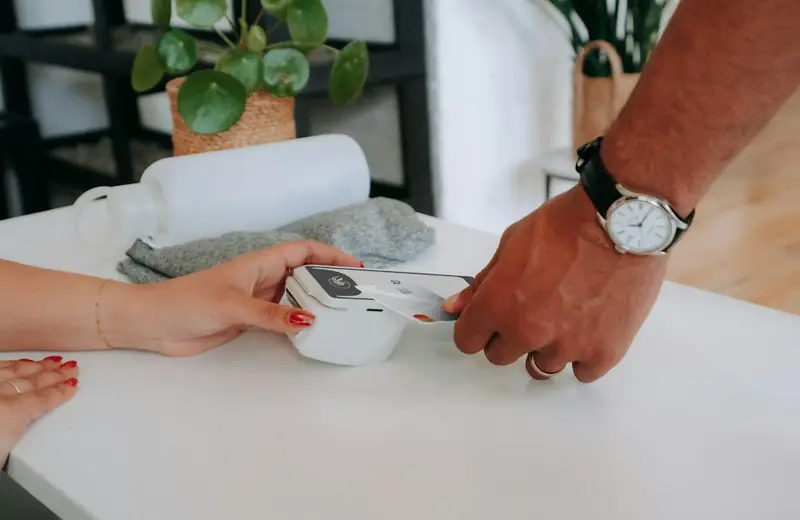
At a café or supermarket in Spain, check the terminal and card app even if the phone gives reassuring feedback. Google explains that a phone check mark can appear while the merchant reports an unsuccessful payment. A device response is therefore not sufficient proof that the purchase completed.
Look for the merchant receipt and identify whether the app records a pending, approved or declined attempt. Repeated taps can make individual attempts harder to distinguish. If the queue is moving, use another payment method and record the exact time, EUR amount and merchant name for investigation afterward.
Inspect card status and available spending balance
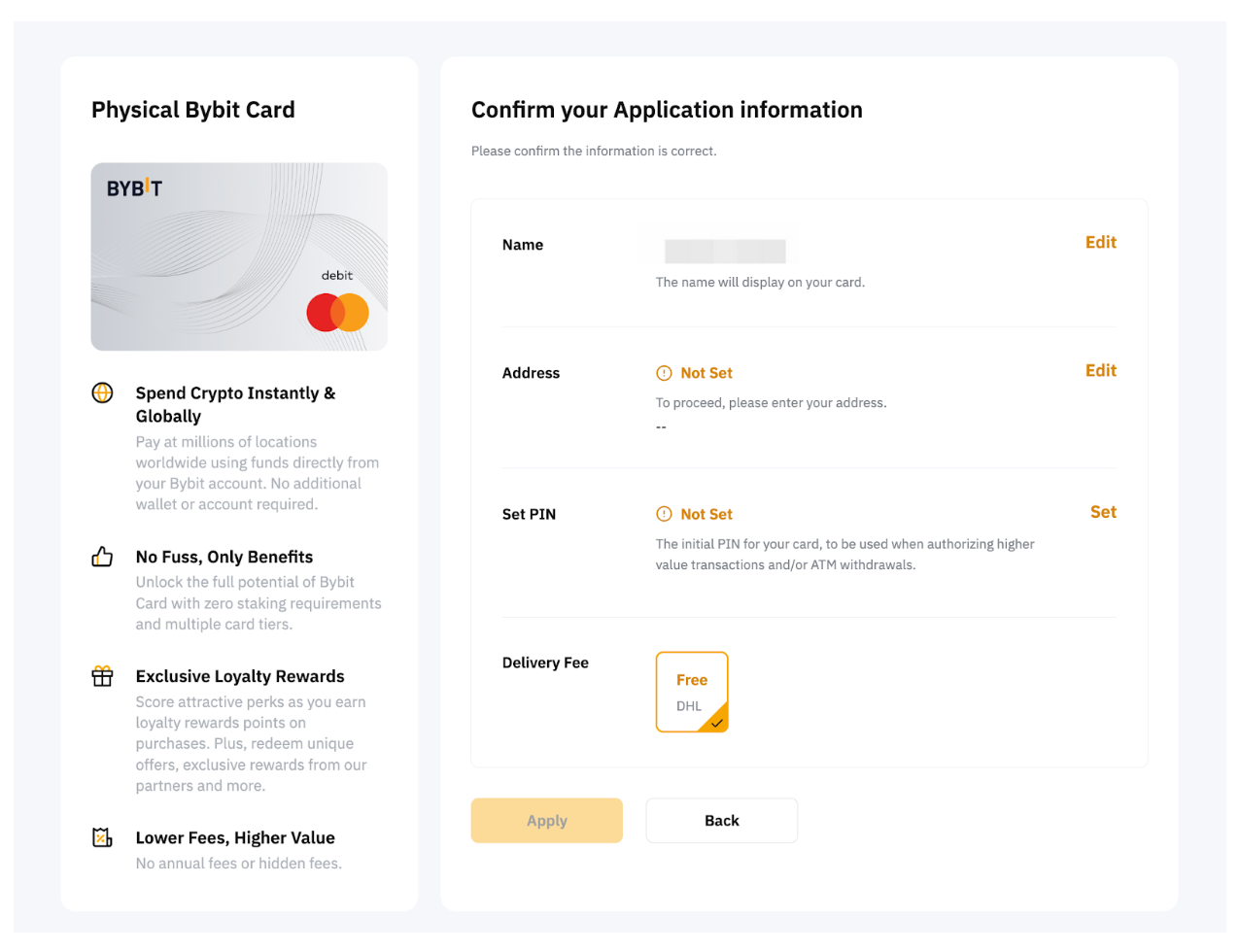
Confirm that the intended card is selected and that it is not frozen or deactivated in the issuer app. Bybit EU provides decline details under Transaction History, Authorization and Details. Read those details alongside the Funding Account balance, current limits and the Spending Power shown for the card.
For Nexo, inspect the available funds for the selected Debit or Credit Mode. Money held in another asset does not prove the current configuration can spend it. Do not solve an unexplained decline by switching into borrowing unintentionally; first identify which balance the planned purchase is supposed to use.

Send authorization evidence if the issue remains
If you have the physical card, check activation and consider a chip-and-PIN purchase. Bybit EU requires a chip-and-PIN purchase before physical contactless use. That physical-card activation step is useful context, but it does not establish the cause of every phone-wallet failure or replace the app’s authorization evidence.
Apple directs declined Apple Pay card questions to the card issuer. Send Bybit EU’s webform or Nexo Client Care the time, merchant, amount, authorization reference and a redacted error image. Exclude the full card number, CVV and authentication codes; those are not needed in an ordinary troubleshooting description.
- Check the first receipt and app status.
- Check freeze status, mode and available balance.
- Report the time, EUR amount and reference.
Compare the cards in this story
| CARD PROFILE | Rewards · first band | Foreign-currency fee | Maintenance / subscription |
|---|---|---|---|
| Bybit EU Card | Base 1%; no monthly cap | 0.5% non-EUR + 0.9% crypto conversion | No annual card fee |
| Bybit EU Card · Base eligible spend earns 1% without a monthly cap. Higher 2–10% tiers have conditions and caps. Crypto-funded spending adds 0.9% conversion plus applicable FX. | |||
| Nexo Card | 0% Debit Mode | 0.2–2.5% by region/day | No card annual fee |
| Nexo Card · Credit Mode rewards are separate. FX is 0.2% weekdays/0.7% weekends in EEA/UK/Switzerland, or 2%/2.5% elsewhere. | |||
Fee and reward sources
EU fees and limits ↗Current reward tiers ↗
Rewards FAQ ↗
Official terms · 2026-09-08 ↗
Card fees, modes and eligibility ↗
Issuance and limits ↗
Official terms · 2026-09-08 ↗
Published terms for these plans. Read the card profiles for caps, reward forms and other costs.
Compare cards ↗Official sources
An editorial guide based on official materials, not a report of a payment test or an individual approval.