Spain
Spain Mexico
 Brazil
 Poland
 Taiwan
 Philippines
 South Korea

The essentials
- Match the sender to the verified account
- Copy current EUR receiving details
- Check where the credited euros can be spent
Match the sender to the verified account
Before sending EUR from a Spanish bank, compare the account holder with the identity verified in the receiving app. Bybit EU requires matching-name payment methods, and Crypto.com accepts EUR transfers from bank accounts in your name. A familiar sender is not necessarily an eligible sender.
If two surnames, an abbreviated name or a name change produce different displays, resolve the mismatch with the bank and provider before sending. Do not invent beneficiary details to make them look alike. Ask about a joint account specifically, rather than assuming a relative’s account can substitute for yours.
Copy current EUR receiving details
Open today’s deposit instructions and check the currency, beneficiary, IBAN and any required reference. Compare these with the saved payee in your Spanish banking app. An old screenshot or a previously successful transfer does not establish that the receiving provider and details are still the same.
SEPA is a euro transfer route, not a card reward category or a promise that every associated cost disappears. Read the bank’s transfer preview together with the app’s processing fee and timing information. Leave room for checks before a bill is due rather than depending on immediate credit.

Check where the credited euros can be spent
A completed bank transfer is not the same evidence as a usable card balance. With Bybit EU, inspect the Funding Account and Spending Power; with Nexo, inspect the EUR credit and selected Debit balance. The goal is to connect the bank debit with money the card can actually use.
Crypto.com requires a separate card top-up after EUR Cash Account funding. If credit is missing, assemble the bank confirmation, holder name, amount, date and reference for official support. Sending the same amount again without understanding the first transfer can create a second payment to trace.
- Match the bank holder and verified name.
- Check the current IBAN, reference and EUR amount.
- Verify the spendable balance after credit.
Compare the cards in this story
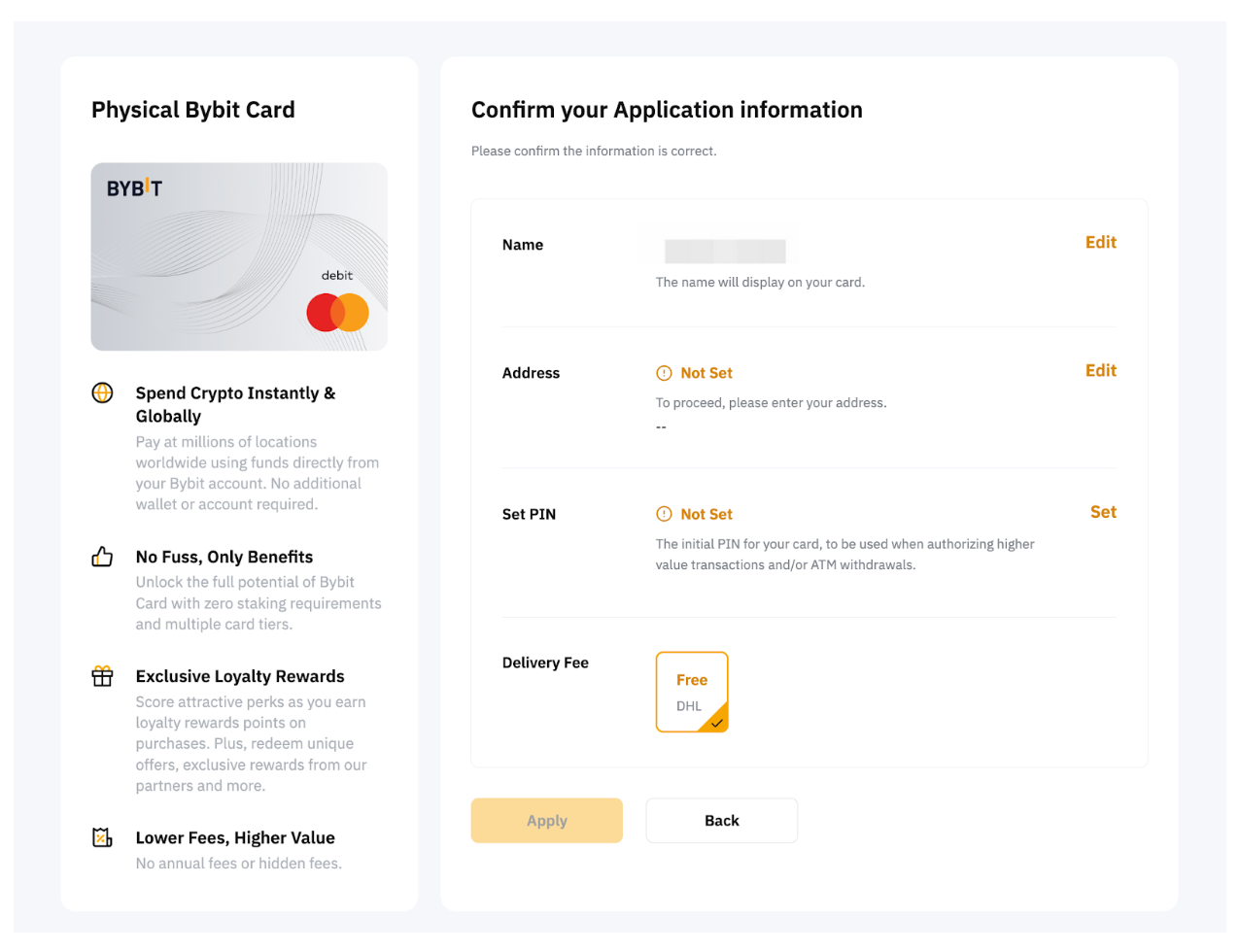
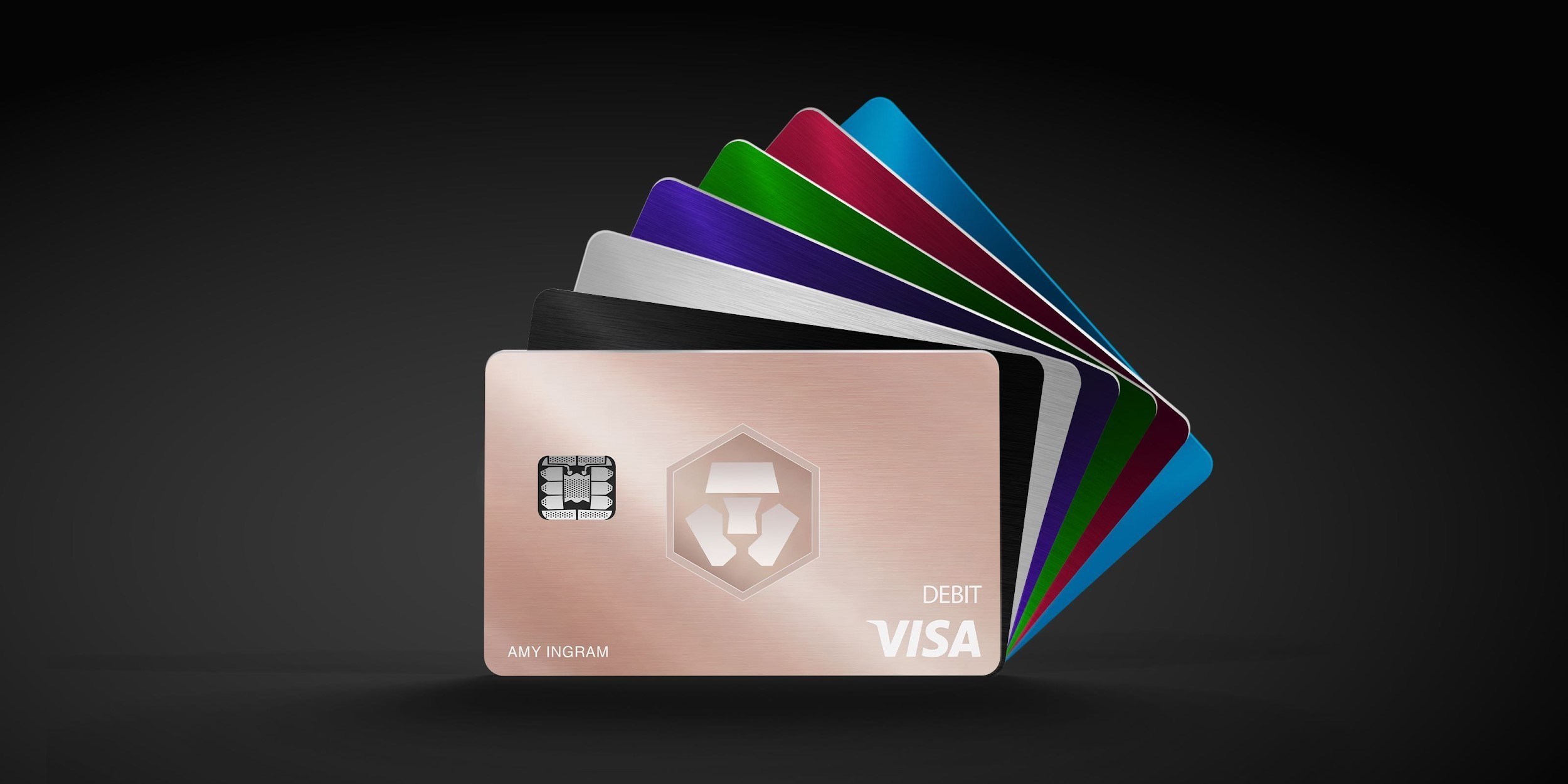
| CARD PROFILE | Rewards · first band | Foreign-currency fee | Maintenance / subscription |
|---|---|---|---|
| Bybit EU Card | Base 1%; no monthly cap | 0.5% non-EUR + 0.9% crypto conversion | No annual card fee |
| Bybit EU Card · Base eligible spend earns 1% without a monthly cap. Higher 2–10% tiers have conditions and caps. Crypto-funded spending adds 0.9% conversion plus applicable FX. | |||
| Nexo Card | 0% Debit Mode | 0.2–2.5% by region/day | No card annual fee |
| Nexo Card · Credit Mode rewards are separate. FX is 0.2% weekdays/0.7% weekends in EEA/UK/Switzerland, or 2%/2.5% elsewhere. | |||
| Crypto.com Midnight Blue | Basic everyday spend 0% | EEA non-EUR: 0.2% in EU/UK; 2% elsewhere | Basic plan free |
| Crypto.com Midnight Blue · Free Basic plan. Travel/promotional rewards are separate from the everyday rate; issuance and FX vary by region. | |||
Fee and reward sources
EU fees and limits ↗Current reward tiers ↗
Rewards FAQ ↗
Official terms · 2026-09-08 ↗
Card fees, modes and eligibility ↗
Issuance and limits ↗
Official terms · 2026-09-08 ↗
EU fees and limits ↗
Basic subscription ↗
Application fees ↗
Rewards and benefits ↗
Prepaid lineup ↗
Crypto.com US prepaid fees and limits ↗
Crypto.com Brazil/LATAM USD prepaid fees ↗
Published terms for these plans. Read the card profiles for caps, reward forms and other costs.
Compare cards ↗Official sources
An editorial guide based on official materials, not a report of a payment test or an individual approval.