

 Spain
Spain Mexico
 Brazil
 Poland
 Taiwan
 Philippines
 South Korea
Crypto.com / Card review
Regional programs · Prepaid card
Crypto.com Ruby Steel
A prepaid card that uses a balance you load before spending.
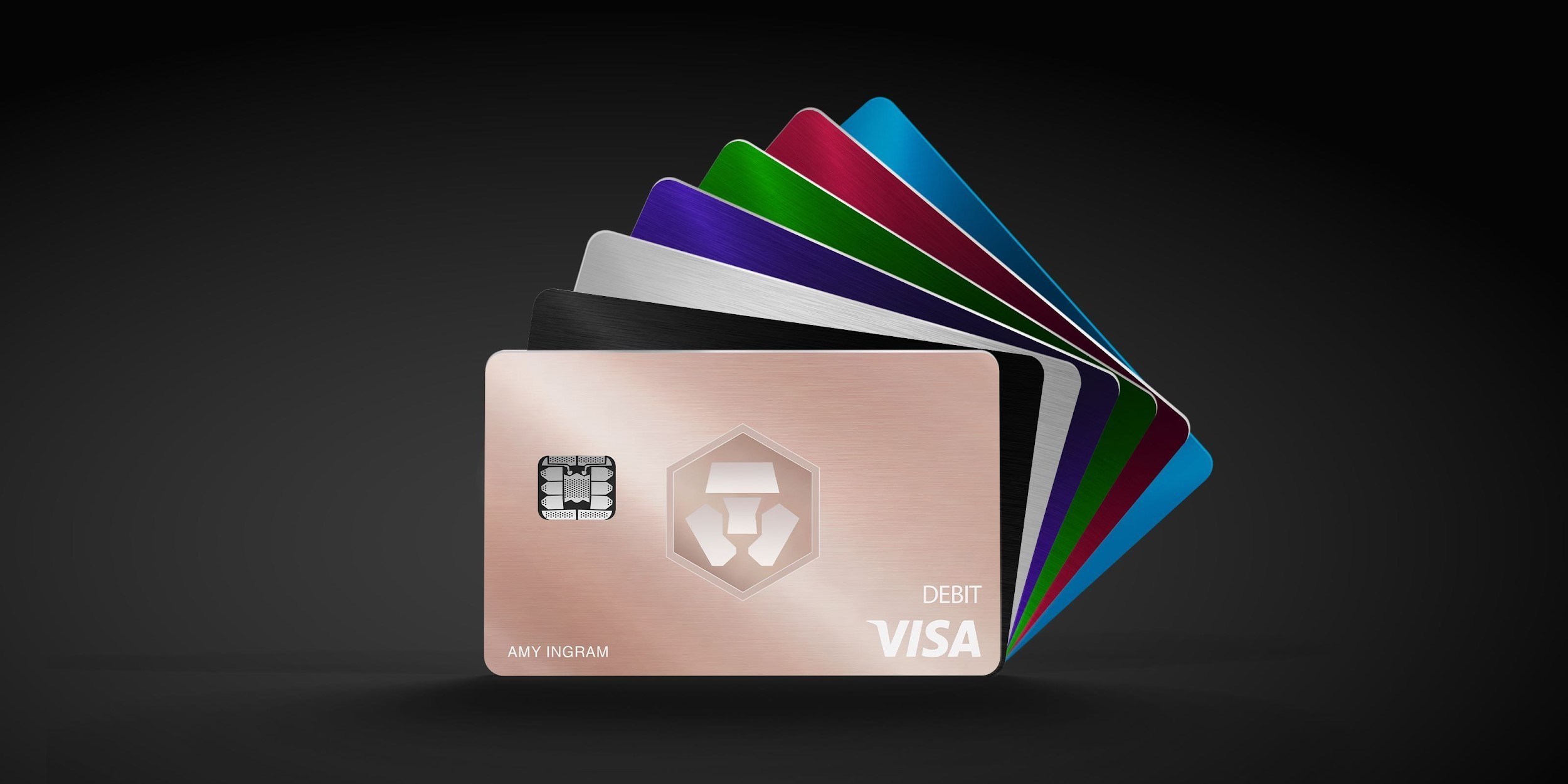
Before you apply
Selected tier / planLevel Up PlusCrypto.com Ruby Steel
Select where you live, not your travel destination.
Choose your residence first
Important to check
- Account availability does not establish card availability.
- Brazil and other regions require their own program checks.
Regional availability is not individual approval. Figures refer to the selected card/plan; check tier, identity-document and delivery conditions.
Documents & application →Features & benefits
A modest paid reward plan for spending within its smaller cap.
- Rewards · first band
- 1.5% CRO on first $750/month
- Spending preferences
- Preload card balance
- Custody model
- Service account / loaded balance
Read the conditions behind the figures · Fees & benefit conditions ↓
A good fit if
- Choose Plus if spending fits the local cap and CRO rewards justify subscription; subscribing avoids a required CRO lockup.
The tradeoff
- First check the active plan’s reward rate, monthly cap and regional FX costs.
- Where official sources disagree, confirm the terms in the app before comparing them with the subscription price.
- Virtual card
- Listed · check region and plan
- Physical card
- Listed · check region and plan
- Apple Pay
- Listed · check region and plan
- Google Pay
- Listed · check region and plan
How the card works
- The European program spends a EUR card balance.
- Verify available fiat and crypto funding routes in regional guidance and the app.
Fees & benefit conditions
- Card issuance fee
- Physical EEA €24.99 / US $29.99; waiver conditions
- Maintenance / subscription
- Subscription $49.90/year or $4.99/month
- Foreign-currency fee
- Rate varies by issuing region and card; see regional terms
Read the conditions behind the figures
- Subscription prices and CRO lock/stake requirements vary by residence.
- Benefits follow the active plan, not the card colour.
- Check the regional price and issuance fee in the table above.
Figures refer to the selected card and plan. Do not combine them with benefits of another pictured or listed tier.
Documents & application
Documents to prepare
Check accepted ID and any address evidence in the application for your residence and program.
Steps on the official site or app
- Sign up and verify in the Crypto.com app
- Choose a Level Up plan, then Start next to Crypto.com Card
- Submit address and card name; request a physical card after virtual issuance if needed
The official site opens in a new tab. Select the product and tier shown above. Identity checks and the final application take place with the provider.
Full details & support
Full details
Practical payment facts
Narrow by supported features · brand guidance, subject to regional and tier conditions.
- Funding / spending assets
- BTC · ETH
- Supported networks
- Official confirmation needed
- Balance / billing currency
- Regional fiat; EUR in EU, GBP in UK
- Conversion timing
- At funding
- Virtual card
- Listed · check region and plan
- Physical card
- Listed · check region and plan
- Apple Pay
- Listed · check region and plan
- Google Pay
- Listed · check region and plan
- Recurring payments
- Listed · check region and plan
Refunds & support
A fixed processing time and return currency were not established for this program. Check the transaction and contact official support using the steps below.
- Cancellations, refunds and support
- Request a cancellation or return from the merchant and obtain a confirmation or refund reference. Record whether the card transaction is pending or settled.
- Cancellation and subscriptions
- Cancel subscriptions in the merchant account and check the next billing date. Freezing or closing a card does not cancel the merchant subscription.
- Declined or unfamiliar transactions
- Check the decline reason, balance, limits and activation status. For an unfamiliar payment, use the available card-lock control and notify official support promptly.
- What to prepare for support
- Prepare the merchant, date, amount, currency, transaction ID, status and refund reference. Ask support for the destination, expected posting date and dispute deadline. Do not send a full card number or wallet secret.
Brand and custody
- Card issuer / operator
- Official confirmation needed
- Custody of funded balances
- Official confirmation needed
Freeze through Card → More → Freeze Card and contact in-app support. Card balance is separate from the Cash Account; EU/UK top-ups cannot be transferred back to the Cash Account.
An alternative to compare
Compare Basic if rewards cannot cover subscription; confirm your local program before choosing either.
Check regional termsOfficial documentation & sources
Official sources
유럽 충전 · EU top-ups ↗
Brazil USD program ↗
Prepaid lineup ↗
US prepaid fees ↗
EU fees and limits ↗
Basic subscription ↗
Application fees ↗
Rewards and benefits ↗
Crypto.com Brazil/LATAM USD prepaid fees ↗
Virtual card and physical activation ↗
Google Wallet regional support ↗
Freeze a Crypto.com card ↗
Level Up Private terms ↗
Crypto.com EEA card tiers — EUR subscription and staking prices, checked 2026-09-09 ↗
Official information · Crypto.com Ruby Steel ↗
Catalog dated 7 Sep 2026 · supplemental facts checked 8 Sep 2026
Official terms reviewed · 2026-09-21
The review date applies to the fields below. Check the source for regional and tier differences and later changes.
- Europe ATM / top-up
- Europe: free monthly ATM allowance €200 Midnight, €400 Ruby, €800 Jade/Indigo and Icy/Rose, €1,000 Obsidian; excess 2%. Credit/debit card top-ups 1%.
- 2026-10-01 changes
- From 1 October, the inactivity charge after 12 months changes from €5 to €6/month. Ruby and Jade/Indigo non-EUR FX terms also change; distinguish current and upcoming terms.