

 Spain
Spain Mexico
 Brazil
 Poland
 Taiwan
 Philippines
 South Korea
Tria / Card review
Self-custody card
Tria Virtual
Spend supported crypto with a self-custody Visa card.
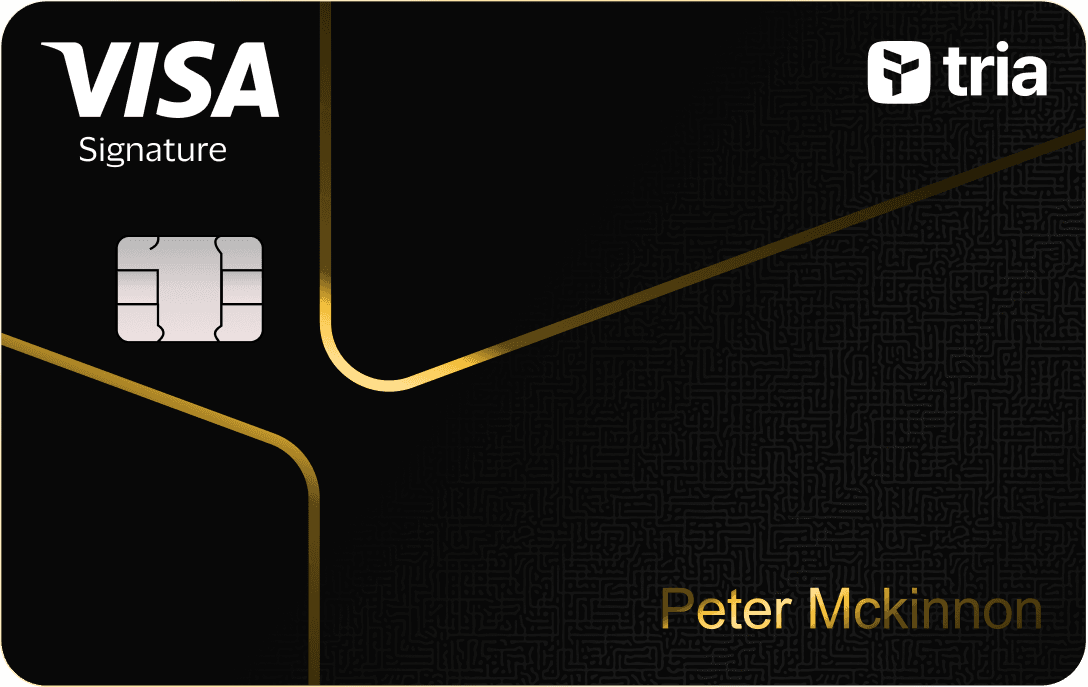
Before you apply
Selected tier / planVirtualTria Virtual
Select where you live, not your travel destination.
Choose your residence first
Important to check
- Credit repayment and collateral liquidation apply.
- Confirm regional price and issuance before funding.
Regional availability is not individual approval. Figures refer to the selected card/plan; check tier, identity-document and delivery conditions.
Documents & application →Features & benefits
Try collateral-backed card spending with a small monthly reward band.
- Rewards · first band
- 1.5% on first $100/month, then 0.5%
- Spending preferences
- Collateral-backed credit
- Custody model
- Wallet-based
Read the conditions behind the figures · Fees & benefit conditions ↓
A good fit if
- For light spenders testing Tria: 1.5% on first $100 monthly, then 0.5%.
The tradeoff
- Self-custody still involves collateral-backed credit and repayment obligations; free Virtual issuance is temporary and current pricing needs confirmation.
- Virtual card
- Listed · check region and plan
- Physical card
- Listed · check region and plan
- Apple Pay
- Listed · check region and plan
- Google Pay
- Listed · check region and plan
How the card works
- Virtual earns 1.5% on the first $100 of eligible monthly spend, then 0.5%.
Fees & benefit conditions
- Card issuance fee
- Free virtual card
- Maintenance / subscription
- Current Virtual plan free
- Foreign-currency fee
- 0% Tria + 1% Visa FX
Read the conditions behind the figures
- 1.5% on the first $100 eligible monthly spend, then 0.5%.
- Collateral-backed credit and repayment obligations apply.
- Free virtual issuance is a limited-time offer; check the app price.
Figures refer to the selected card and plan. Do not combine them with benefits of another pictured or listed tier.
Documents & application
Documents to prepare
- Age 18+ and physically present in the selected country.
- Valid ID and selfie.
- Check country support before payment; membership purchase alone does not issue a card.
Steps on the official site or app
- Choose Apply Now for the card and select your real residence.
- Check the quoted membership price; after bank-card payment, redeem the emailed code.
- Complete KYC with personal details, ID and selfie.
- For physical cards, submit your address after the in-app shipping notification.
The official site opens in a new tab. Select the product and tier shown above. Identity checks and the final application take place with the provider.
Full details & support
Full details
Practical payment facts
Narrow by supported features · brand guidance, subject to regional and tier conditions.
- Funding / spending assets
- USDC · USDT
- Supported networks
- Official confirmation needed
- Balance / billing currency
- USD credit limit
- Conversion timing
- Depends on region or payment mode
- Virtual card
- Listed · check region and plan
- Physical card
- Listed · check region and plan
- Apple Pay
- Listed · check region and plan
- Google Pay
- Listed · check region and plan
- Recurring payments
- Official confirmation needed
Refunds & support
A fixed processing time and return currency were not established for this program. Check the transaction and contact official support using the steps below.
- Cancellations, refunds and support
- Request a cancellation or return from the merchant and obtain a confirmation or refund reference. Record whether the card transaction is pending or settled.
- Cancellation and subscriptions
- Cancel subscriptions in the merchant account and check the next billing date. Freezing or closing a card does not cancel the merchant subscription.
- Declined or unfamiliar transactions
- Check the decline reason, balance, limits and activation status. For an unfamiliar payment, use the available card-lock control and notify official support promptly.
- What to prepare for support
- Prepare the merchant, date, amount, currency, transaction ID, status and refund reference. Ask support for the destination, expected posting date and dispute deadline. Do not send a full card number or wallet secret.
Brand and custody
- Card issuer / operator
- Nimbus, LLC (international card terms)
- Custody of funded balances
- User-held collateral with issuer liquidation authorization
This is collateral-backed credit. Self-custody still includes issuer repayment and liquidation authority; a fall in collateral value can leave an unpaid shortfall.
An alternative to compare
Choose Signature when spending regularly toward $1,000 monthly can justify its paid membership.
Check regional termsOfficial documentation & sources
Official sources
June 1 cashback schedule and limited-time Virtual promotion ↗
Collateral, credit obligations and legal fee ceilings ↗
Cashback denomination and payout terms ↗
Country prohibitions ↗
Tria — Season 3 referral terms ↗
Tria — Referral promotion ↗
Current membership ↗
Season 3 ↗
How to get a Tria Card ↗
Catalog dated 7 Sep 2026 · supplemental facts checked 8 Sep 2026